




Quick Links


Popular Searches



Close
Products

(This product is only available for South Region)
Looking for enterprise solutions?
Discover SeqriteLooking for enterprise solutions?
Discover SeqriteLooking for enterprise solutions?
Discover SeqriteLooking for enterprise solutions?
Discover SeqriteLooking for enterprise solutions?
Discover SeqriteLooking for enterprise solutions?
Discover SeqriteSupport
Resources
Downloads
Company

Control and schedule Internet and computer usage for your children.
Empower them while ensuring their safety on the Internet.
While configuring the smart parenting settings, ensure that each child has a standard user account. You'll need an Administrator user account to configure the settings. For instructions on how to create Administrator and Standard Accounts, click here.
Once you have created Standard Accounts for your children, you can adjust individual settings that you want to control.
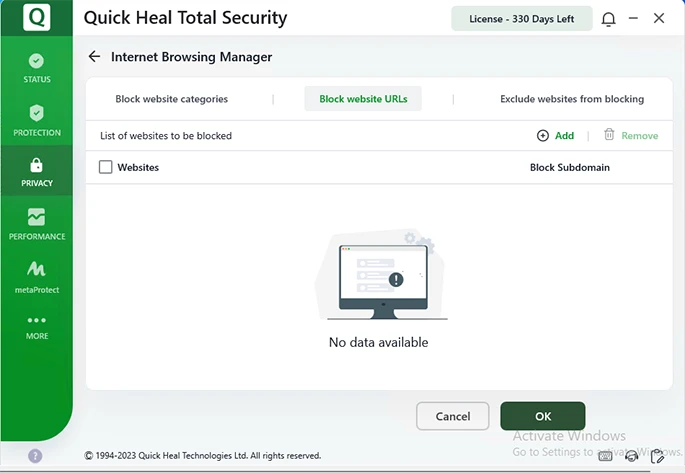
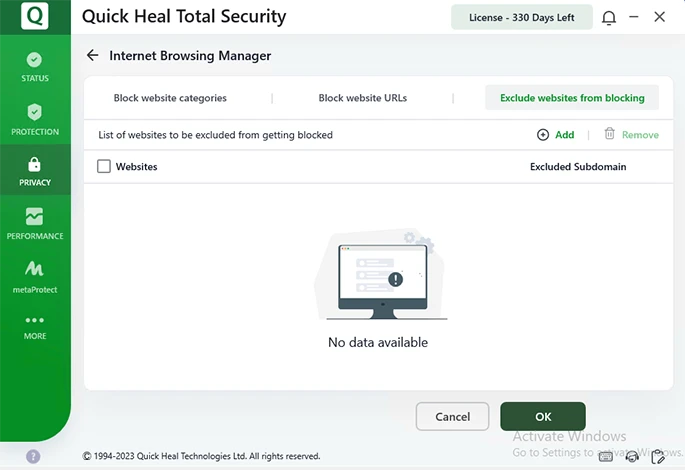
With Internet Browsing Manager, you can:
1. Block access to website categories (chat, adult, violence, movies, games, etc.) (Refer to figure 1)
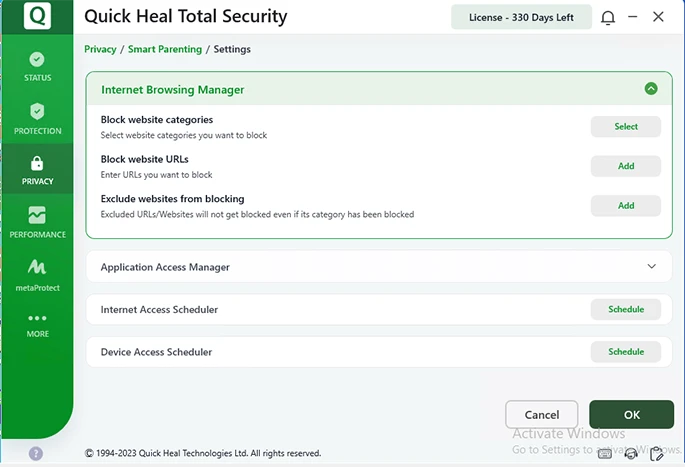
Figure 1
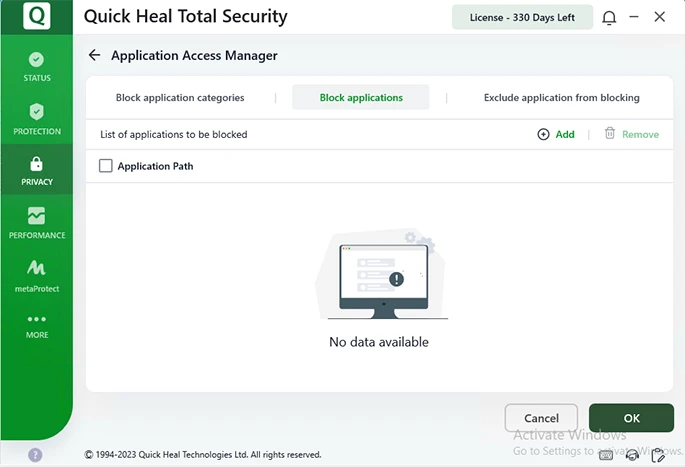
With Application Access Manager, you can:
1. Block application categories (Refer to figure 4)
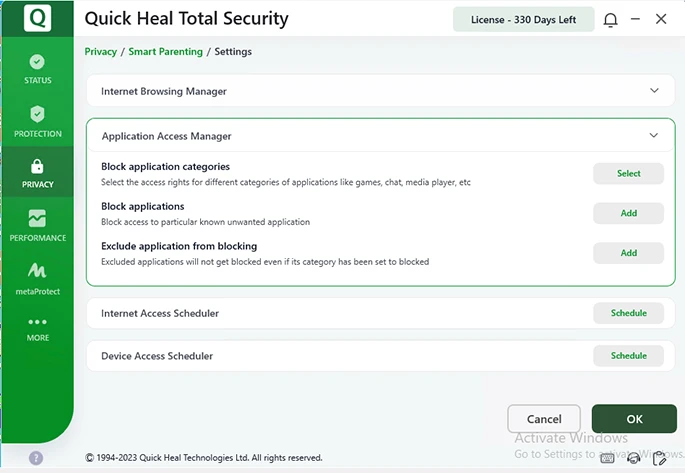
Figure 4
3. Exclude application from blocking (Refer to Figure 6)
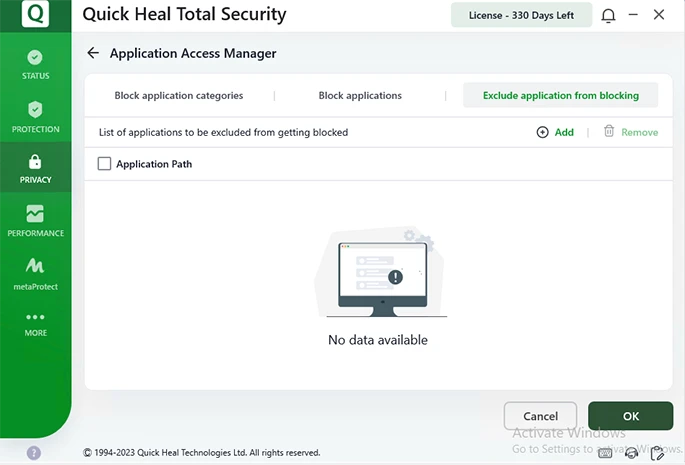
Figure 6
With Internet Access Scheduler, you can set time slots for accessing the Internet.
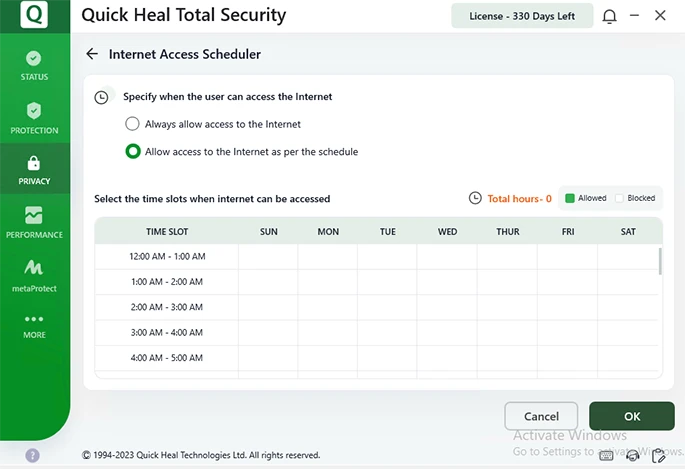
Figure 7
With Device Access Scheduler, you can set time slots or time limits for accessing device.
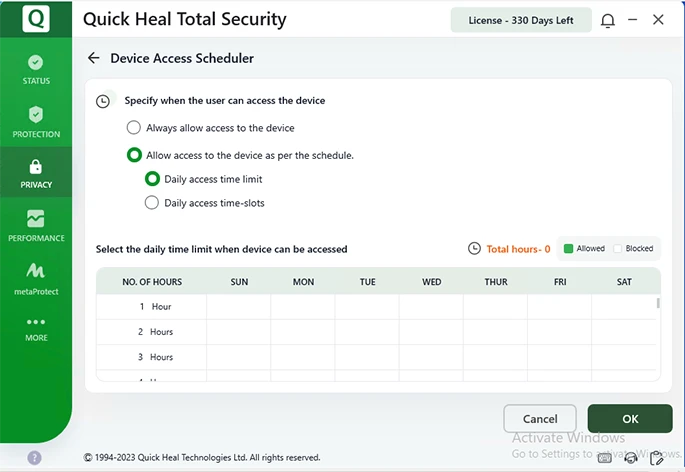
Figure 8
Please complete your information below to login.