

03
Sep
Sep

What is the Best Antivirus for Gaming PC in 2026?
-
Quick Heal / 7 months
- September 3, 2025
- 0

If you are looking for the best antivirus for a gaming PC in 2026, you are looking for protection that does not affect your FPS, ping, or focus. The right antivirus for gamers quietly keeps threats out, runs light, and lets you game without interruptions.
Launchers, mods, voice apps, drivers, streams, and constant updates create more openings than most people realise. That is why gaming PC virus protection in 2026 is not just “install something and forget it”.
In this article, you will explore how to pick a gaming antivirus that stays light and protects you.
Why Gamers Need Antivirus Protection?
Gaming is online-first now. Even single-player games rely on launchers, cloud sync, patches, community pages, and in-game purchases. That always-connected lifestyle is exactly what attackers love. A good gaming antivirus helps you in two ways.
- Protects game accounts from phishing login traps
- Blocks shady downloads, mods, and fake installers
- Stops background malware that causes lag
- Keeps payments and personal data safer online with anti-fraud protection
Most Facing Threats to Gaming PC
Here are the most common threats to gaming PC:
Ransomware Attacks
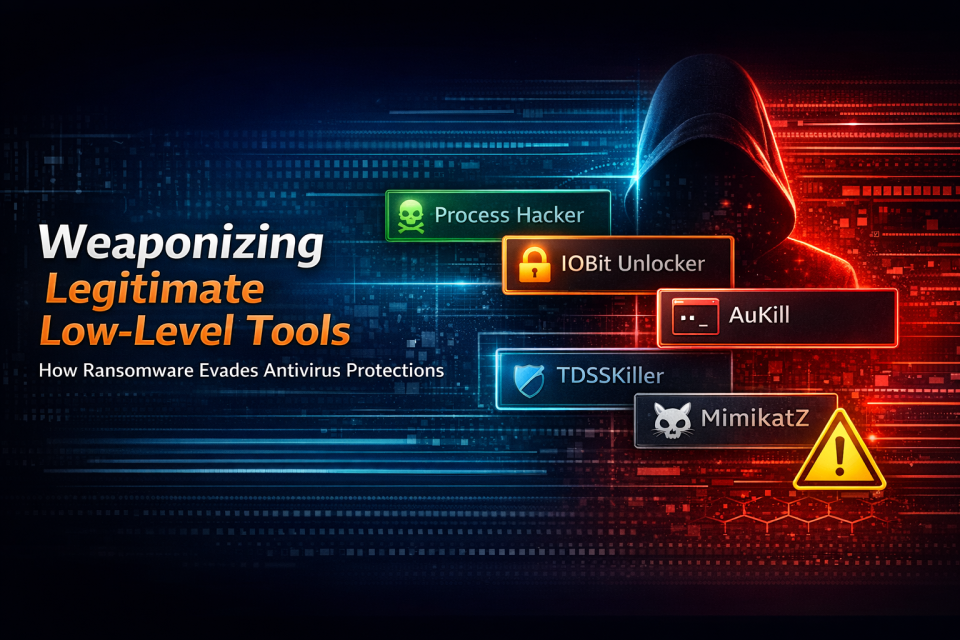
Ransomware is scary because it does not just annoy you. It can lock your files and demand payment to unlock them, and no one wants to lose saved files, clips, screenshots, or personal documents.
- Game folders suddenly become inaccessible
- Save files and recordings fail to open
- Your PC starts showing unusual warnings or locked screens
Phishing and Fake Game Downloads
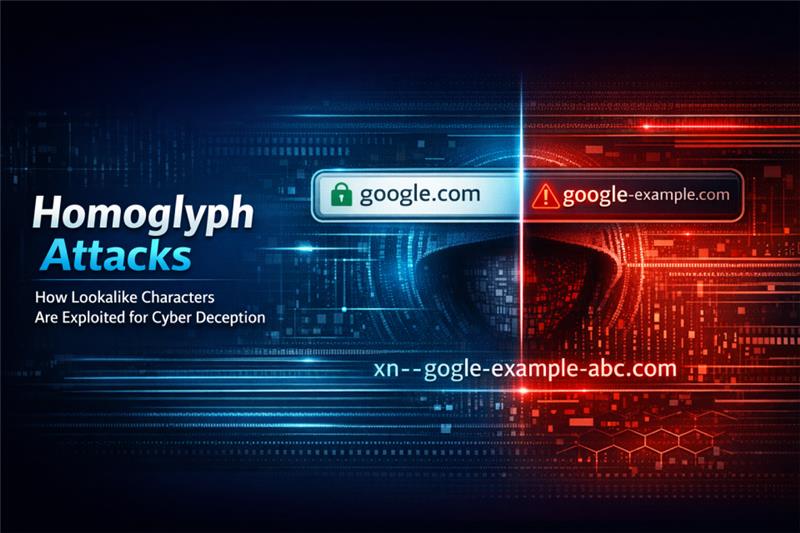
Phishing is one of the most common ways gamers get hit, especially when the bait looks familiar. The best antivirus software for gamers should warn you about risky websites, block malicious redirects, and reduce the risk of entering passwords on a fake page.
- Fake login pages that look like popular game platforms
- “Cracked” installers bundled with hidden malware
- Links shared in chats that push you to “verify” your account or install a “required” tool
Key Features to Look for in a Gaming Antivirus
Here are the key features to look for in a gaming antivirus:
Lightweight Performance
A heavy antivirus can cause stutters, longer load times, and random lag spikes. If you have ever felt your PC slow down “for no reason” while a scan runs, you already know the pain.
When you compare a good antivirus for a gaming pc, prioritise:
- Efficient real-time protection that does not hog CPU and storage
- Smart scheduling that runs deeper scans when you are not gaming
- Easy exclusions for trusted game folders, so the tool does not keep re-checking massive files
Dedicated Gaming Mode
Gaming mode should do more than just look fancy in settings. If you want the best antivirus for gamers, this feature makes the experience feel smooth and “hands-off”.
- Minimises pop-ups and non-urgent alerts
- Postpones updates or background scans during gameplay
- Helps keep system performance stable during intense sessions
Advanced Ransomware and Web Protection
In 2026, the biggest risk is often not a classic virus. It is a malicious link, a fake download, or a scam page that looks real. That is why web protection is essential in the best antivirus software for gaming PC searches, especially against online scamming methods.
- Anti-phishing warnings for fake login pages
- Malicious URL blocking and safer browsing tools
- Behaviour monitoring to stop suspicious activity early
Disadvantages of Not Using a Good Antivirus
Here are the disadvantages of not using a good antivirus:
Slow System and Lag Issues
Malware often runs silently. It may mine crypto, spam your network, or track your activity. The result is a PC that feels “off” even when your game settings have not changed.
- Unexpected heating and fan noise during normal tasks
- Sudden stutters in games that used to run smoothly
- Browser slowdowns and random redirects
Game Account and Data Theft
For gamers, losing an account can hurt more than losing a file. Accounts hold purchases, progress, friends, and sometimes valuable in-game items.
- Password theft through fake login pages
- Session hijacking if your browser is compromised
- Email takeover, which can lead to multiple account losses
Exposure to Online Scams
Gaming communities are full of genuine people, but scammers blend in easily. They may pose as support, tournament organisers, or “deal providers”.
- Fake customer support numbers and remote-access requests
- Pages that mimic official sites to collect logins
- “Offer links” that redirect you through multiple suspicious domains
Best Antivirus Options for Gaming PCs in 2026
Here are the best antivirus options for gaming PCs in 2026:
Total Security Suite
A total security suite is a strong choice if your gaming PC is also your daily-use machine. It typically provides broader protection beyond basic antivirus.
- Strong real-time malware defence plus web protection
- Ransomware safeguards for important folders
- Network protection features for safer online use
- Privacy-focused tools that reduce risky activity
If you are looking for the best gaming virus protection with full coverage, this is typically the right approach.
Internet Security Suite
An internet security suite typically focuses on core protection and safer browsing, often with fewer add-on components than a full suite.
- Solid protection that stays light during play
- Anti-phishing and malicious site blocking
- Strong baseline ransomware defence
- Fewer interruptions and simpler configuration
For many gamers, this becomes the sweet spot for the best antivirus software for gaming pc needs.
How to Choose the Right Antivirus for Your Gaming Setup
Start by being honest about your habits. If you install mods, join random servers, click community links, or download “patches” from sources other than official stores, your risk increases.
- If you value competitive performance, prioritise lightweight protection and a reliable gaming mode.
- If you do a lot of browsing, trading, or community downloads, prioritise web and phishing protection.
- If your PC stores personal files alongside games, prioritise ransomware protection.
- If you share the PC at home, choose stronger overall protection with fewer chances for accidental risky clicks.
The best antivirus for a gaming PC is the one you can live with every day, because consistency is what keeps you protected.
Gaming Without Compromise
You should not have to choose between security and smooth gameplay. In 2026, the best gaming PC antivirus feels almost invisible: it protects accounts, blocks risky links, and defends against ransomware without interrupting gameplay with pop-ups.
- Play smoothly without sudden scans or freezes.
- Block risky links before they cause trouble.
- Protect your accounts from sneaky login traps.
- Stop ransomware before it locks your files.
Frequently Asked Questions
-
Does a gaming PC need an antivirus?
Yes, gaming PCs are prime targets for hackers. Without an antivirus, you risk ransomware, phishing attacks, and malware hidden in downloads.
-
What antivirus should I use for a gaming PC?
Pick one that runs light and has a gaming mode. Quick Heal Total Security and Internet Security are good options for Indian gamers.
-
Do antivirus software affect gaming performance?
Older programs used to. But in 2025, modern antivirus solutions run smoothly in the background. With gaming mode on, they won’t affect FPS or cause interruptions.
-
What are the disadvantages of not using a good antivirus?
You could lose game progress, see slower performance, or have your accounts hacked. In some cases, ransomware can even lock your PC.
-
Can your gaming PC recover from a virus?
Often yes, but it depends on the threat. Some infections are removable, while ransomware or a deep system compromise can require major remediation.
-
How much does it cost to fix a gaming computer virus?
It varies widely depending on whether you can clean it yourself, need professional help, or risk losing important data or accounts.
-
How to remove a virus permanently from a gaming computer?
Use a trusted security scan to remove threats, update your system, change passwords, and avoid reinstalling suspicious software.
-
How do I find hidden viruses on my gaming computer?
Watch for unusual behaviour and use a reputable security tool with real-time protection and deeper scanning options.