Smartphones store emails, bank access, photos, documents, and saved passwords, so device security is now a personal safety issue. Encryption helps protect the stored information if your phone is lost, stolen, repaired, or accessed without permission. This guide explains what phone encryption is, how it works, how to enable it on iOS and Android, and what else you should do to reduce fraud and account takeovers.
What is Encrypted Data?
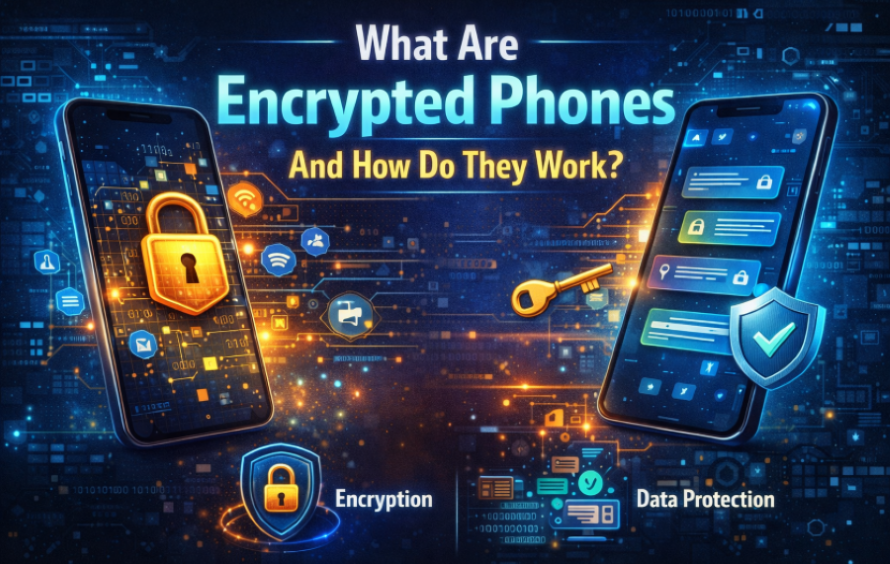
Encrypted data is information that has been converted into an unreadable form using cryptographic algorithms. It can only be read again after it is decrypted with the correct key, which is usually protected by your passcode, PIN, or biometric login.
In practical terms, phone encryption protects data “at rest,” meaning files stored on the device, app storage, and some system data. It does not automatically secure everything you send online, so you still need safe browsing habits and secure connections.
What Are Encrypted Phones
- Many people ask, what are encrypted phones, because the term is used in different ways. In everyday consumer use, it usually means a phone that applies encryption to device storage so that someone cannot read your data without authentication.
- In older discussions, some people used “encrypted phones” to describe special secure devices built for restricted communications. For most users today, the goal is simpler: use built-in encryption features and strong access controls.
- If you are searching for what is encrypted phone in a purchase context, focus on whether the model supports full-device encryption, timely security updates, and reliable screen-lock options.
iPhone Encryption
iPhone encryption is enabled by default on modern iPhones when you set a passcode. Apple’s approach ties encryption keys to the device hardware and your passcode, which reduces the chance of offline data extraction.
To improve protection, use a longer passcode and keep iOS updated. Also, review which apps can access your photos, location, and contacts, because encryption does not stop an approved app from reading data you allowed it to access.
Android Encryption
Most recent Android devices ship with encryption turned on by default, but the exact behavior can vary by manufacturer and Android version. If you want to confirm settings or enable extra protections, check your Security settings and ensure you use a screen lock.
For users specifically looking up encrypt phone android steps, the most important actions are: enable a strong screen lock, keep Google Play Protect on, install updates promptly, and confirm that storage encryption is active in your device’s security menu.
What Does It Mean to Encrypt My Phone?
People often ask, what does an encrypted phone mean in daily use. It means your device protects stored data so that an attacker cannot read it simply by removing the storage chip, booting into another environment, or connecting the phone to a computer and browsing files.
An encrypted phone still requires good account security. If someone obtains your cloud password, they may access synced data even if the device itself is protected, so encryption should be treated as one part of a wider security plan.
Should I Encrypt My Phone?
If your phone supports encryption, enabling it is usually worth it. The strongest reasons are privacy, protection of financial data, and reduced risk when a device is lost or handed to a third party for servicing.
Encryption can add minimal performance overhead on modern hardware, but the trade-off is generally favorable because the risk reduction is significant for most users.
Risks of Not Encrypting My Phone
Without phone encryption, your local files may be easier to extract if the device is stolen, resold, or accessed by someone with physical control. This can expose sensitive images, saved documents, app data, and cached credentials.
Not encrypting also increases the impact of online scams. Attackers sometimes combine device access with social engineering, using personal details to make scams more convincing and to reset accounts.
How Do You Make a Strong Password to Encrypt Your Phone
Your encryption is only as strong as the screen lock protecting the keys. A weak PIN can undermine the protection of an encrypted smartphone, especially if the device is lost in a public setting.
Use these password and access-control practices:
- Prefer a long passcode over a short PIN when possible.
- Avoid birthdays, repeating numbers, and simple patterns.
- Turn on auto-lock with a short timeout.
- Enable biometric unlock, but keep a strong passcode as the fallback.
- Turn on “erase data after failed attempts” if you can tolerate that risk.
Benefits of Encrypting Your Phone
1. Avoid Data Theft
An encrypted cell phone makes it much harder for someone to pull files from storage without authentication. This matters for saved emails, workplace chats, documents, and browser sessions that can be used for account takeover.
Encryption also helps protect app data stored locally, including financial apps, note apps, and password manager vaults, against phishing scams.
2. Safeguard Your Photos and Videos
Personal media is often the most sensitive content on a device. With an encrypted phone, someone who cannot unlock the screen should not be able to browse your photo library from storage access alone.
You should still review cloud backup settings. If you sync photos, secure the cloud account with strong authentication so your privacy does not depend only on the device.
3. Recovering Files After a Factory Reset
It is important to understand a limitation: encryption does not guarantee recovery. After a factory reset, encrypted data is typically not recoverable because the keys are removed as part of the reset process.
Treat encryption as a confidentiality control, not a backup method. Use secure backups for recovery, and test restores for important data.
Protect Your Device with Quick Heal
Encryption reduces data exposure from physical access, but many real incidents begin online through malicious links, fake websites, or account trickery. That is why it helps to combine encryption with security tooling and safe behavior, especially as online scams continue to evolve.
Quick Heal Total Security can support multi-device protection and centralized management. Features such as metaProtect help keep security consistent across devices under one login, which is useful when you manage a phone alongside a laptop or family devices.
Quick Heal AntiFraud focuses on fraud detection and safer decision-making. Its AntiFraud.AI capabilities aim to detect scam patterns in real time, provide a risk view with actionable steps, block access to malicious websites, and alert users if a fraud app is detected.
Other than that, Quick Heal Internet Security adds protection that focuses on risky networks and message-based threats. Its Wi‑Fi Scanner can flag unsafe connections, and Phishing & Email Protection can reduce exposure to phishing scams that attempt to steal credentials or deliver malware.