
24
Feb
Feb

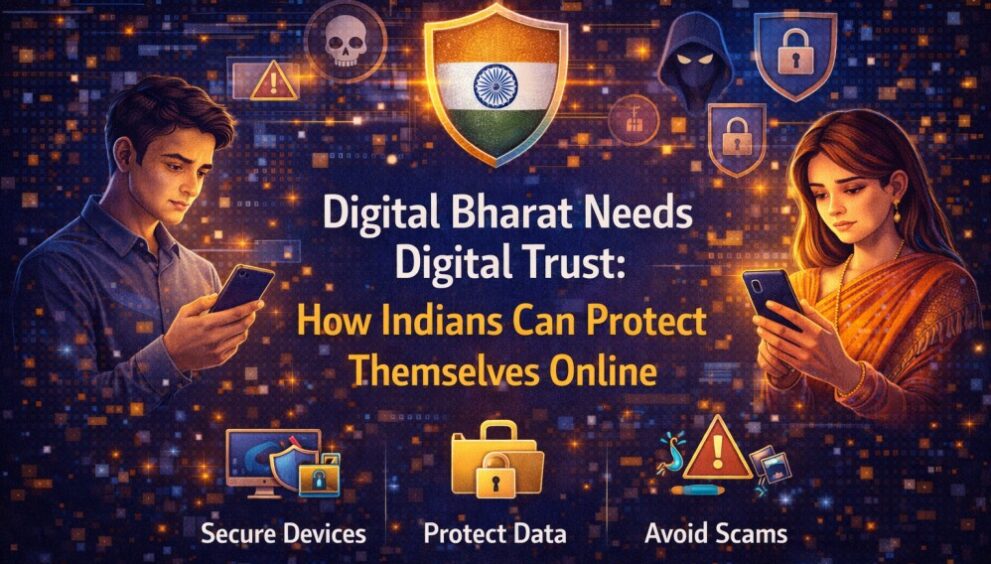
Digital Bharat Needs Digital Trust: How Indians Can Protect Themselves Online
-
knowlegde-centre / 1 month
- February 24, 2026
- 0

Digital life in India moves fast. You pay bills on UPI, order groceries in minutes, share documents on WhatsApp, and log into services using your phone number. It is smooth, until one message throws you off: a “KYC pending” alert, a courier link, a missed-call trick, or a payment request that looks routine. That is how many internet security threats enter your day, not through complex hacking scenes, but through small moments of distraction. They design cyber security threats to feel urgent, familiar, and official.
In this blog, you will explore common scam types, warning signs, safer browsing habits, device security steps, and what to do immediately.
What Are Internet Security Threats?
Internet security threats are risks that can harm your device, accounts, money, or identity while you are online. The “threat” could be a fake link, a harmful app, a scam call, a stolen password, or a compromised account. That is why internet threats feel so common now.
- They trick you into sharing OTPs, PINs, or passwords.
- They steal money through fake payment links and requests.
- They install harmful apps that spy on your phone.
- They hijack accounts and misuse your identity online.
- They spread fast through messages, ads, and cloned websites.
As India’s digital footprint expands, AI security plays an increasingly important role in identifying unusual behaviour patterns, blocking suspicious activity, and protecting users before damage occurs.
Common Types of Internet Security Threats
Here you will explore common types of internet security threats:
Phishing and Scam Links
Phishing is when scammers impersonate a trusted organisation, delivery brand, bank, government service, or even a friend to trick you into revealing sensitive details or approving a transaction. Fighting such scams requires strong antifraud awareness so users can pause, verify sources, and avoid reacting emotionally to fake urgency.
You might see:
- “Your account will be blocked today. Update your KYC now”
- “Your parcel is on hold; pay a small fee”
- “Refund initiated, verify to receive money”
- “You have won a reward, claim now”
Malware and Malicious Apps
Malware is software designed to harm, spy, or take control. It can enter through shady downloads, unsafe websites, or apps that should never have been installed in the first place. Installing reliable antivirus software adds an extra layer of defence by detecting malicious apps early and warning you before they can compromise your device.
Watch for apps that push you to enable powerful permissions such as:
- Accessibility access
- Device admin controls
- Reading SMS
- Overlay permission (showing content over other apps)
Online Fraud and Payment Scams
Payment scams are among the most damaging internet security threats because losses can occur instantly. Many of these cases are driven by phishing attacks, where fraudsters rely on trust and speed rather than technical hacking.
Common patterns include:
- A “collect” request that you did not expect
- A caller claiming they will “reverse” a transaction if you share an OTP
- A fake customer care person asking you to “verify” by sharing your screen
- A QR code was sent to you with instructions to scan to receive money
Identity Theft and Data Breaches
Identity theft happens when criminals use your personal details to impersonate you. Raising cybersecurity awareness across families and workplaces helps people recognise early warning signs before identity misuse escalates.
Here’s what it can look like:
- They may hijack your social media accounts and message friends for money.
- Your leaked details can open accounts you never requested.
- Scammers can misuse documents for loan applications or for shady sign-ups.
- You might receive calls, threats, or fraudulent activity in your name.
Warning Signs You Should Watch Out For
Most scams share a similar “feel”. If you can recognise it early, you can stop it before it becomes damaged.
Look out for red flags such as:
- Sudden urgency: “Do it now” or “Last warning”
- Emotional pressure: fear, greed, guilt, or panic
- Requests for OTP, PIN, passwords, or remote access
- Links with odd spellings or shortened URLs
- Payment requests that do not match what you initiated
- Apps demanding permissions that do not fit their purpose
- Messages that push you away from official channels
If you are thinking, “This seems slightly off,” trust that instinct. A few seconds of checking is worth it.
How to Stay Safe from Internet Security Threats
Staying safe online is not about being paranoid. It is about being steady. Think of it as everyday hygiene for your digital life, the kind that prevents most internet security issues and solutions from becoming emergencies.
Practice Safe Browsing and Online Habits
Small habits reduce a large share of web security threats and prevention challenges.
Try these:
- Open websites by typing the address or using the official app, rather than clicking random links.
- Use only verified help options inside apps for customer support, not numbers found in comments, ads, or forwards.
- Avoid sharing screenshots that contain OTPs, order IDs, or personal details.
- Do not forward unverified “alerts” to family groups. A quick check can stop a scam from spreading.
- Be cautious on public Wi-Fi for banking and sensitive logins. Use mobile data for those tasks if possible.
Secure Your Devices and Accounts
This is where you build real resilience against cybersecurity threats.
Focus on:
- Keeping your phone, apps, and laptop up to date. Updates often close known security gaps.
- Install apps only from official stores, and remove the ones you do not use.
- Reviewing app permissions regularly. If something feels unnecessary, deny it or uninstall the app.
- Use strong, unique passwords, especially for email and banking-related accounts.
- Turning on multi-factor authentication where available and keeping recovery options up to date.
- Backing up important photos and documents so you are not trapped if a device is compromised.
Digital Bharat ka Bharosa: Building Trust in a Digital World
Trust online is not built by a single tool. It is built on behaviour, awareness, and shared responsibility. This is where fraud se suraksha becomes a shared mindset rather than a one-time action. When people know how scams work, they do not freeze when they see a threatening message. When families openly discuss fraud patterns, it becomes easier for parents and younger users to check before acting.
When workplaces and service providers encourage reporting without shame, incidents get contained faster. Digital Bharat’s growth depends on everyday trust. That trust strengthens when you slow down before clicking, verify before paying, and treat your personal data like something valuable because it is.
What to Do If You Encounter an Internet Security Threat
Even careful people get caught sometimes. Scammers are persistent, and they keep changing their approach. The key is to act fast and stay calm.
Act Quickly, Report, and Secure Your Accounts
If you suspect you have interacted with a scam, do the following immediately:
- Stop engaging with the message or caller and disconnect any remote access if enabled.
- Change passwords starting with your email account, then banking-linked accounts, from a safer device if possible.
- Sign out of other sessions where the service allows it, and enable multi-factor authentication.
- Check for unknown apps and remove them, then review permissions that look risky.
- Contact your bank or payment service through official channels and report the incident.
- Inform close contacts if your account might be compromised, so they do not fall for follow-up scams using your identity.
Conclusion
Online safety is now part of everyday life in India. The most effective defence is not fear, it is clarity and consistent habits. When you learn the common scam patterns, recognise warning signs early, and secure your devices and accounts, you reduce your exposure to internet security threats and strengthen digital trust for yourself and the people around you.
Frequently Asked Questions
-
What are internet security threats?
There are risks of fraud, data theft, account takeover, or device compromise through scam links, harmful apps, weak security, or stolen credentials.
-
What are the most common internet security threats today?
Phishing links, malicious apps, payment scams, identity misuse, and account takeovers are among the most common, especially on mobile-first platforms.
-
How can I protect myself from internet security threats?
Build safe browsing habits, avoid sharing OTPs or PINs, install apps carefully, keep software up to date, use strong, unique passwords, and enable multi-factor authentication.
-
What should I do if I encounter an internet security threat?
Stop interacting, secure accounts quickly, remove suspicious apps, report to official support channels, and warn contacts if your identity or account may be misused.