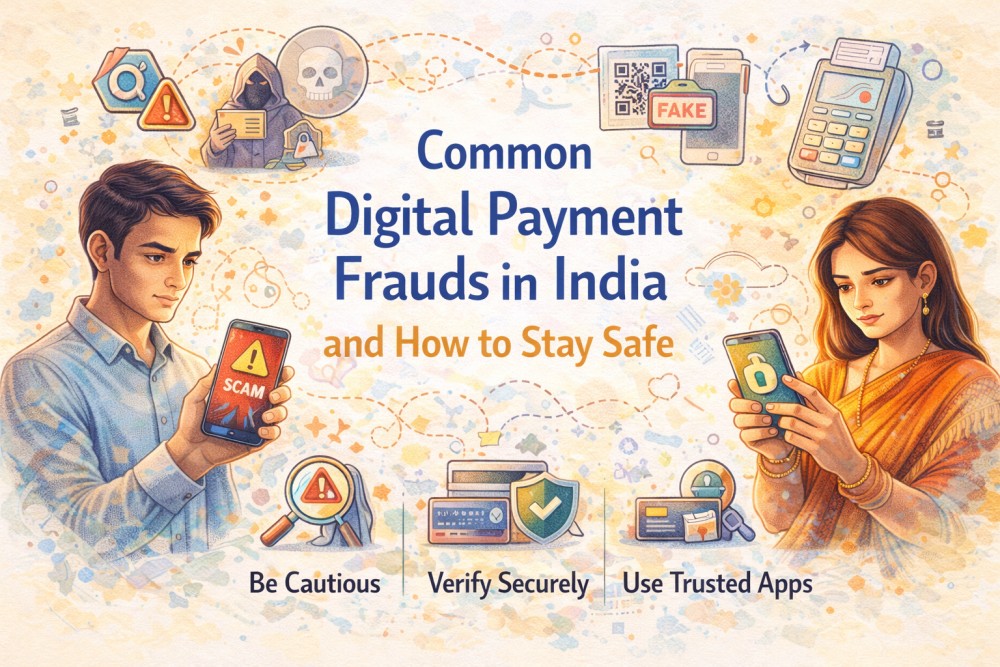
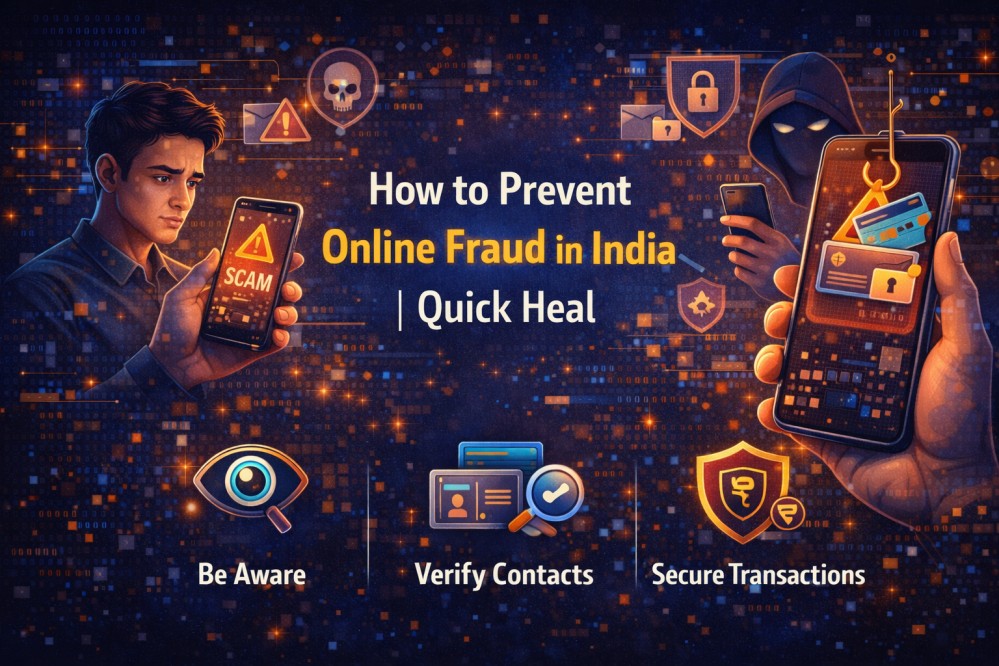
Online services in India make banking, shopping, and payments easier, but they also increase the risk of fraud. Most scams do not involve hacking. They rely on urgency, fake links, and requests for sensitive details like passwords or OTPs.
This “Fraud Se Suraksha” guide, aligned with the “Digital Bharat ka Bharosa” message, explains how to prevent online fraud with safe, simple habits.
Understanding Online Fraud and Why It’s Increasing
As more transactions and conversations move online, criminals get more opportunities to test scams at scale. Tactics change quickly, so a refund message today can become a security alert tomorrow.
The reassuring part is that many incidents succeed only when you are pushed into acting fast. A pause and a verification step can cut the risk.
What Is Online Fraud?
Online fraud is any dishonest activity done through the internet to steal money, personal information, or access to your accounts. In everyday terms, it is when someone tricks you into clicking a link, sharing sensitive details, installing something unsafe, or approving a payment you did not intend.
Common Types of Online Fraud in India
Online fraud in India commonly shows up through banking scams, phishing links, fake customer support, scam calls and messages, and unsafe apps that steal data or money.
- Many online frauds repeat the same pattern across platforms.
- Banking and account takeovers often start with stolen logins or tricks to capture your credentials. Reused passwords make the damage spread faster.
- Scam calls and messages create pressure and impersonate banks, service providers, or support teams. Genuine organisations do not ask for passwords or verification codes.
- Phishing Attacks use fake links and look-alike pages to steal logins, card details, or banking information.
- Unsafe apps and downloads may imitate real services or quietly collect data, so security for the device matters.
- Common scams also include identity misuse and fake rewards or lottery messages that ask for a fee or personal details first.
Warning Signs You Should Never Ignore
Most fraud attempts leave clues. Spot them early, and you can avoid online fraud.
Urgent Requests and Pressure Tactics
Fraudsters use urgency to reduce thinking time. Be cautious if you are told your account will be blocked, a payment will fail, or you must act immediately. Secrecy is another red flag.
Also watch for limited-time offers, repeated follow-ups, and scripted threats. Pause, cross-check details, and contact support only through official channels.
Unknown Links and Unverified Sources
Unexpected links are a common entry point. If you receive a link on SMS, WhatsApp, email, or DM, do not trust it just because it looks official. For internet fraud prevention, open the official app, type the website address yourself, or use a saved bookmark. This supports a more secure internet routine.
How to Prevent Online Fraud
If you are searching for how to avoid fraud online, focus on verifying first and protecting your accounts.
Verify Before You Trust
Before you click, share, or pay, verify.
- Confirm the source using official support options inside the app or website.
- Read screens carefully so you know whether you are logging in, approving access, or authorising a transaction.
- Share less. Be cautious with personal information unless you are sure who you are dealing with.
- Be sceptical of unsolicited communication, especially if it includes links, attachments, or threats.
These steps are the core answer to how to avoid getting scammed online.
Protect Your Device and Accounts
Strong online fraud protection comes from simple account hygiene.
- Use strong, unique passwords for important accounts and avoid reuse.
- Enable two-factor authentication where available.
- Monitor bank and card statements and report anything unusual quickly.
- Keep devices updated with security patches.
- Use reputable antivirus software and built-in protections such as firewalls to strengthen cyber fraud protection.
- Review privacy settings so you do not expose details that can be misused.
This is also the simplest approach to preventing internet fraud.
Technology’s Role in Preventing Online Fraud
Awareness comes first, but tools can support you by flagging risky links, suspicious pages, and unusual behaviour. Treat technology as a helper for online scam protection, not a substitute for careful decisions.
Use trusted security settings, keep apps updated, and rely on alerts to pause, verify, and avoid rushed approvals when something looks suspicious.
AI-Based Detection and Scam Alerts
Many solutions use AI to detect scam-like patterns in real time. You may see this described as AntiFraud, scam alerts, or risk warnings. Automated checks are useful because scam scripts change often, and they can prompt you to pause before you act. They also flag risky links, suspicious app behaviour, and unusual login attempts, adding an extra layer of online scam protection.
Digital Bharat ka Bharosa: Staying Safe in a Digital India
Digital Bharat ka Bharosa is about trust in digital services, and Fraud Se Suraksha is how you protect that trust in daily life. Build cyber security awareness, verify before you trust, and keep your accounts protected.
The aim is confident digital use with fewer openings for scammers. Stay cautious with unknown links, update your apps, and use AntiFraud alerts or trusted antivirus software where possible.
What to Do If You Suspect Online Fraud
If you suspect an attempt, act quickly to limit damage and strengthen online fraud protection.
Report, Secure, and Act Quickly
Here are the cfew pointers:
- Contact your bank or service provider using official channels and report the issue.
- Change passwords for key accounts, especially email and banking, and sign out of unknown sessions if possible.
- Enable two-factor authentication if it was not active earlier.
- Save evidence such as messages, screenshots, and transaction references.
- Report the incident on India’s national cybercrime reporting portal.
These steps also help if you are thinking about how to avoid online scams and fraud from becoming repeated attacks.
Conclusion
To prevent online fraud, keep it simple. Verify sources before you trust them, avoid unknown links, and never share sensitive details under pressure. Protect accounts with strong, unique passwords, two-factor authentication, and regular statement checks.
Combine this with device updates, antivirus software, and steady cybersecurity awareness, and you will avoid online fraud far more often.