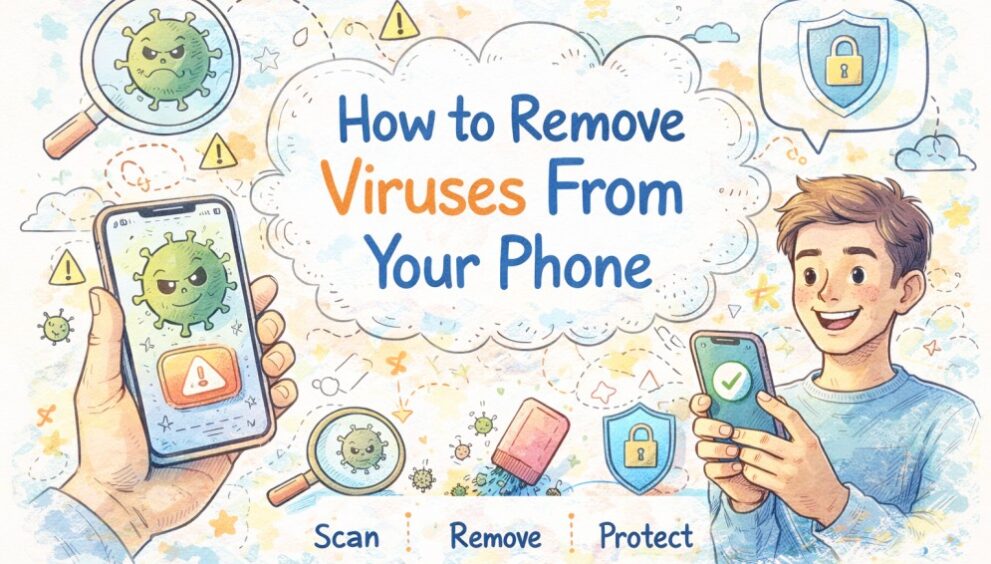
If you are worried about viruses on mobile phones, you are not alone. Most people notice something “off” first, like random pop-ups, a sudden battery drain, or an app they do not remember installing. This blog covers both Android and iPhone users and focuses on real, hands-on steps you can follow at home to remove a virus from your phone and get your device back to normal.
What Is a Virus in Mobile Phones
On phones, “virus” is a catchall term for harmful software or tricks that disrupt your device or try to steal your information. It can include:
- Adware that pushes intrusive ads or redirects your browser
- Spyware that tries to monitor activity or collect sensitive data
- Trojans that pretend to be a genuine app but do something harmful in the background
- Phishing and fake alerts that scare you into tapping links, calling numbers, or installing apps
This is why how to clean your phone from a virus often means removing suspicious apps, reversing risky settings, and blocking scam pathways, not just deleting a single file. In simple words, it is about restoring normal behaviour and improving security for the device without overcomplicating things.
How to Know If Your Phone Has a Virus
If you are trying to figure out how to check your phone for a virus, start with the day-to-day signals you can spot without technical knowledge:
- Unexpected ads or pop-ups (especially “your phone is infected” style alerts) while browsing or even on the home screen
- Apps you do not remember installing, or an app icon that looks like a copy of a popular one
- Phone heating up during normal use or running unusually slowly.
- Fast battery drain even when you are not gaming or using the camera
- Unusual data usage, like spikes when you are mostly on Wi-Fi
- Permission oddities, for example, a torch app asking for SMS access, Accessibility access, or device administration access
- Browser behaving strangely, such as new homepages, repeated redirects, or tabs opening on their own
If the warnings push you to “act now” or call a number, treat them like antifraud traps and do not click in a hurry.
How to Remove a Virus from an Android Phone
Android is flexible and allows you to install apps in multiple ways, which can increase the risk of malware if you are not careful with downloads. The good news is that most Android virus removal cases can be resolved at home without visiting a service centre.
Step-by-Step: Remove Suspicious Apps and Malware
Use the flow below to get rid of the virus on your phone safely, without jumping straight to a factory reset.
- Switch on Aeroplane mode briefly to stop suspicious apps from sending data.
- Restart and turn on safe mode so unwanted third-party apps cannot interfere.
- Uninstall unfamiliar apps, and remove admin or Accessibility access permissions.
- Clear browser data, update Android, scan fully, then change passwords.
Protect Your Android Phone From Future Virus Attacks
Once you clean my phone of virus issues, prevention is what keeps it from returning.
- Download apps from trusted stores; avoid “mod APK” links on WhatsApp.
- Check permissions carefully; if access feels excessive, do not install.
- Keep Play Protect enabled and update your phone regularly for fixes.
- Use a trusted antivirus software if you shop, bank, or install apps often.
This is also where people look for the best antivirus for Android, but they prioritise trust, clear privacy policies, and regular updates over flashy claims.
How to Remove a Virus from an iPhone
iPhones are generally secure, but they are not immune to threats like scam pop-ups, unsafe profiles, phishing links, and malicious websites. Many “virus removal for iPhone” cases are actually Safari scams or malicious configuration profiles rather than a traditional virus.
Steps to Clean Your iPhone Safely
If you are trying to figure out how to remove a virus from an iPhone (or how to delete a virus from an iPhone), do this:
- Close suspicious tabs; force-close Safari if it keeps looping.
- Clear Safari website data to stop pop-ups and repeated redirects.
- Delete recently installed unknown apps, especially ones you do not trust.
- Remove unfamiliar profiles in VPN and Device Management to stay safe.
- Disable spam notifications, clean calendar invites, and update iOS for security.
If the problem still returns after uninstalling obvious culprits, you may need to dig deeper to remove malware from Android by checking hidden permissions, suspicious device admin settings, and any app that keeps reinstalling itself.
How to Protect Your iPhone From Malware and Scam Apps
To stay safe without changing how you normally use your phone:
- Treat scary pop-ups as marketing or scams, not real diagnostics. Real iOS warnings do not ask you to call a random number.
- Avoid tapping links in unexpected SMS, DMs, or emails, even if the message appears to be a courier update or a bank alert.
- Do not install random profiles labelled “faster internet,” “free movies,” or “work tools” unless you fully trust the source.
- Consider a security app that focuses on safe browsing and phishing protection if you handle many links daily.
Will Resetting Your Phone Remove a Virus?
A factory reset can remove many infections by wiping third-party apps and resetting system settings. But it is not a magic fix in every case.
A reset helps when:
- The problem is caused by a persistent malicious app, heavy adware, or settings changes you cannot undo.
A reset may not help when:
- You restore the same risky app or a compromised backup right after resetting.
- Your accounts are already compromised, so the problem follows you through logins and synced data.
Before resetting, try:
- Removing suspicious apps in Safe Mode (Android)
- Clearing browser data and disabling spam notifications
- Updating the OS
- Running a security scan using a trusted tool
What to Do If the Virus Keeps Coming Back
If you feel like you have done virus removal for Android or virus removal for iPhone steps, but the issue returns, it usually comes down to one of these causes:
- You reinstalled the same infected or shady app because it looked “useful” or familiar.
- Your backup restored the problem, including browser settings, profiles, or unwanted permissions.
- Risky browsing habits are triggering scam redirects again, especially through free streaming or clickbait ads.
- Your email or WhatsApp is compromised, and links keep coming from accounts you trust.
If you suspect financial risk (UPI, cards, netbanking), contact your bank using official channels and monitor transactions.
Stay Protected with Advanced Mobile Security
Once you have figured out how to get rid of a virus on your phone, the next goal is to stay protected, not worried.
A strong mobile security layer can support you with:
- On-device scanning to catch risky apps early
- Safe browsing and anti-phishing protection for links and fake pages
- Wi-Fi checks on public networks
- Privacy controls that alert you to unusual app behaviour
Choose tools that are well-reviewed, transparent about data use, and updated regularly. Avoid apps that promise “one tap cleaning” but request broad permissions they do not need.