



25
Nov
Nov

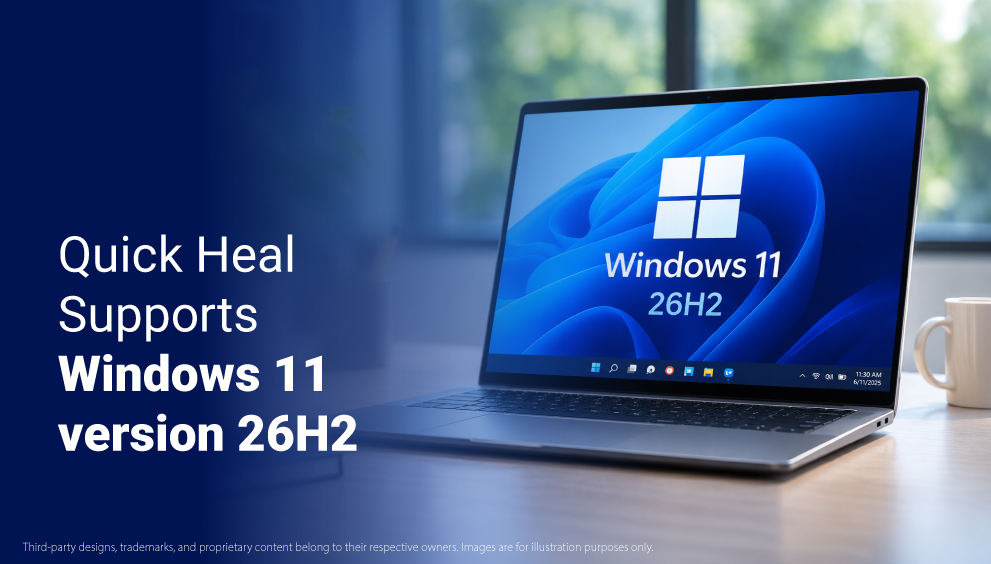
Quick Heal Supports Windows 11 version 26H2
- Quick Heal / 3 hours
- November 25, 2026
- 0

Microsoft has released their latest update – Windows 11 26H2.
This article explains how Quick Heal products work with the latest Windows 11 update and the steps to stay protected.
Supported Quick Heal Versions
- Existing Users
- You must be on Quick Heal version 23.00 or later.
- Apply the latest Quick Heal Updates first, then update your Windows OS to Windows 11.
- Recommended sequence:
- Apply the latest Quick Heal updates.
- Restart your PC.
- Update to Windows 11.
- New Users
- Quick Heal Product V27.00 is fully compatible with Windows 11 (fresh install).
- Download the latest version from the Quick Heal installer
How to apply the latest Quick Heal Update?
If Automatic Update is turned ON, the update is applied automatically.
To update manually, use any one of the following methods:
- Right-click the Quick Heal icon in the system tray → Update Now.
- Start > All Programs > Quick Heal → Quick Update.
- On the Quick Heal dashboard → Update Now.
- More > About → Update Now.
How to Confirm the Update Was Successful
Check your Virus Database (VDB) Date in Quick Heal:
- If the VDB Date is current/latest, your product is up to date and compatible with Windows 11 (26H2).
Note: Quick Heal V18.00 or earlier is not supported on Windows 11.
Recommended: Upgrade to Quick Heal Version 27
Due to critical security changes in Windows 11 26H2, we recommend upgrading to Quick Heal version 27 for continued protection.
- The upgrade to version 27 is complimentary for paid subscribers.
- Version 27 includes:
- Streamlined product activation with auto-filled customer details.
- Monthly security notifications to keep users informed.
- Quick renewals for a seamless renewal experience.
- Modernized dashboard for an enhanced user experience.
- Enhanced file extension protection for improved security.
- Custom extension support for Duplicate File Finder.
- Improved backup and recovery reporting.
- And many more upgraded functionalities.
Upgrade steps: https://www.quickheal.co.in/upgrade
 Staying on older versions may cause functionality issues and could compromise your digital security due to Windows 11 security-update compatibility.
Your digital security remains our top priority.
Please call us on 1800-121-7377 or drop us a message in the comments section below if you face any challenges.