

18
Nov
Nov

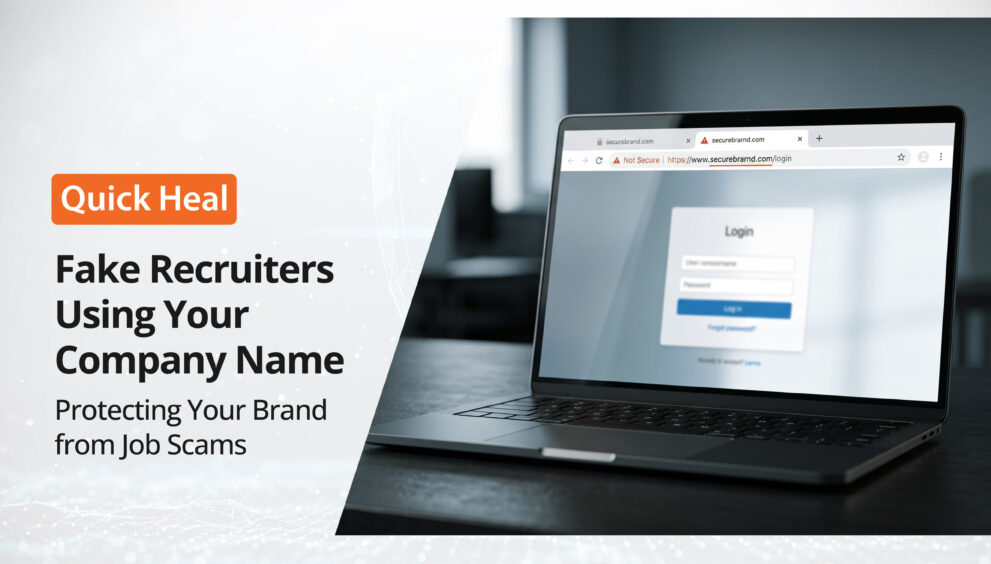
Fake Recruiters Using Your Company Name: Protecting Your Brand from Job Scams
- QuickHeal / 31 minutes
- November 18, 2026
- 0

Imagine receiving a message from someone asking whether a job offer from your company is genuine. They share a screenshot of a LinkedIn conversation, an interview invitation, or a message asking them to pay a registration fee.
You have no record of the recruiter, the job opening, or the candidate.
This could be a case of someone impersonating your company to carry out a recruitment scam. Fake recruiters may use your business name, logo, employee details, or other brand information to make fraudulent job offers appear genuine.
Apart from misleading job seekers, these accounts can damage your company’s reputation and affect the trust people place in your business.
So, what should you do if you find a fake recruiter using your company name? Let’s understand how these scams work, how to identify suspicious profiles, and what steps your business can take.
What Is a Fake Recruiter Scam?
A fake recruiter scam occurs when someone pretends to represent a legitimate company or its HR department to approach job seekers with misleading employment opportunities.
The person may create a fake LinkedIn profile, use your company’s name in their social media bio, or contact applicants through messaging platforms. They may even copy details from your website or use the names of actual employees to make their identity look credible.
Depending on the scam, applicants may be asked to:
- Pay registration, application, interview, or training fees.
- Share personal information such as identity documents, bank details, or contact information.
- Click suspicious links or download attachments.
- Complete fake interview processes before being asked for money.
- Share sensitive information under the pretext of background verification.
These activities are carried out by the impersonator, not necessarily by the company being represented. However, when your brand name is involved, applicants may associate the experience with your business.
How Do Fake Recruiters Use Your Company Name?
Fake recruiters can use different methods to make their profiles and job offers appear legitimate. Some common examples include:
1. Creating Fake HR Profiles on LinkedIn
An impersonator may create a LinkedIn profile using your company’s name and claim to be an HR executive, recruiter, talent acquisition specialist, or hiring manager.
They may use your company logo, copy information from genuine employee profiles, or mention your business in their work experience to appear authentic.
2. Sharing Fake Job Offers
Fraudsters may publish job openings that do not exist or send direct messages claiming that your company is hiring. These offers may include attractive salaries, remote work opportunities, or quick selection processes to encourage applicants to respond.
3. Impersonating Actual Employees
Some fake recruiters use the names, photographs, or professional details of real employees. This can make it difficult for job seekers to distinguish between an authorised company representative and an impersonator.
4. Using Unofficial Contact Details
A fake recruiter may communicate through personal email addresses, phone numbers, or messaging accounts instead of your company’s official recruitment channels.
For example, someone may claim to be hiring for your organisation but use a personal email address that has no connection to your official business domain.
What Should Your Company Do If a Fake Recruiter Is Found?
Discovering a fake HR profile or job offer using your company name calls for a timely response. The aim is to address the impersonation, report the suspicious account, and help people distinguish genuine recruitment communication from fraudulent messages.
1. Verify the Impersonating Profile
Start by checking whether the person is actually associated with your organisation. Ask your HR or recruitment team to verify the profile and confirm whether the individual is authorised to represent your company.
Keep the profile URL, screenshots, messages, and other relevant details for reference.
2. Report the Fake Account to the Platform
If the profile is impersonating your company or an employee, report it through the relevant social media platform.
For example, LinkedIn provides reporting options for suspicious profiles and accounts that may be impersonating another person or organisation. Choose the reporting category that best describes the issue and provide the requested information.
3. Inform Potential Applicants
If the fake recruiter has approached job seekers using your company name, publish a clarification through your official communication channels.
You can also ask your HR team to share the clarification with candidates who may have received suspicious messages. Make it clear which channels your company uses for recruitment and whether applicants are ever required to pay fees.
4. Publish a Recruitment Fraud Disclaimer
A recruitment fraud disclaimer on your website can help candidates recognise suspicious job offers.
Consider including the following information on your careers or recruitment page:
- List your official recruitment website and authorised communication channels.
- Clarify whether your company charges candidates any recruitment or application fees.
- State that job offers should be verified through official company channels.
- Explain how candidates can report suspicious recruitment messages or profiles.
A clear disclaimer gives applicants a reference point when they receive an unexpected job offer claiming to be from your organisation.
How Quick Heal Spotr Helps Identify Fake Profiles
Keeping track of your company’s digital identity can be challenging, particularly when your brand name, photographs, or business details are used by accounts you don’t recognise.
Quick Heal Spotr helps small businesses monitor their digital presence and look out for potential identity misuse.
Two features are particularly relevant when dealing with fake profiles:
Fake Profiles
Spotr looks for profiles that may damage your reputation by using your brand name, photographs, or other details to copy your business.
You can connect the social account you want to protect by selecting a platform or entering its profile URL. You can also enter a profile handle to scan for a potential duplicate and view a match percentage indicating how likely the profile is to be a duplicate.
This can help your business review suspicious profiles that may be impersonating your brand.
Report Account
Once you identify a suspected fake profile, Spotr’s Report Account feature lets you report it to the platform where it appears.
This gives you a way to take action against suspected impersonation from within your monitoring and response workflow.
Spotr helps you review potential fake profiles and report suspected accounts. It does not independently verify job offers or guarantee that a reported account will be removed.
Don’t Let Fake Recruitment Messages Damage Your Brand
A fake recruiter using your company name can create confusion among job seekers and affect the credibility your business has built over time.
Regularly reviewing your online presence, verifying suspicious profiles, communicating through official channels, and reporting suspected impersonation can help you respond more effectively.
With Quick Heal Spotr, small businesses can monitor their digital presence, review potential fake profiles, and report suspicious accounts.