02
Nov
Nov

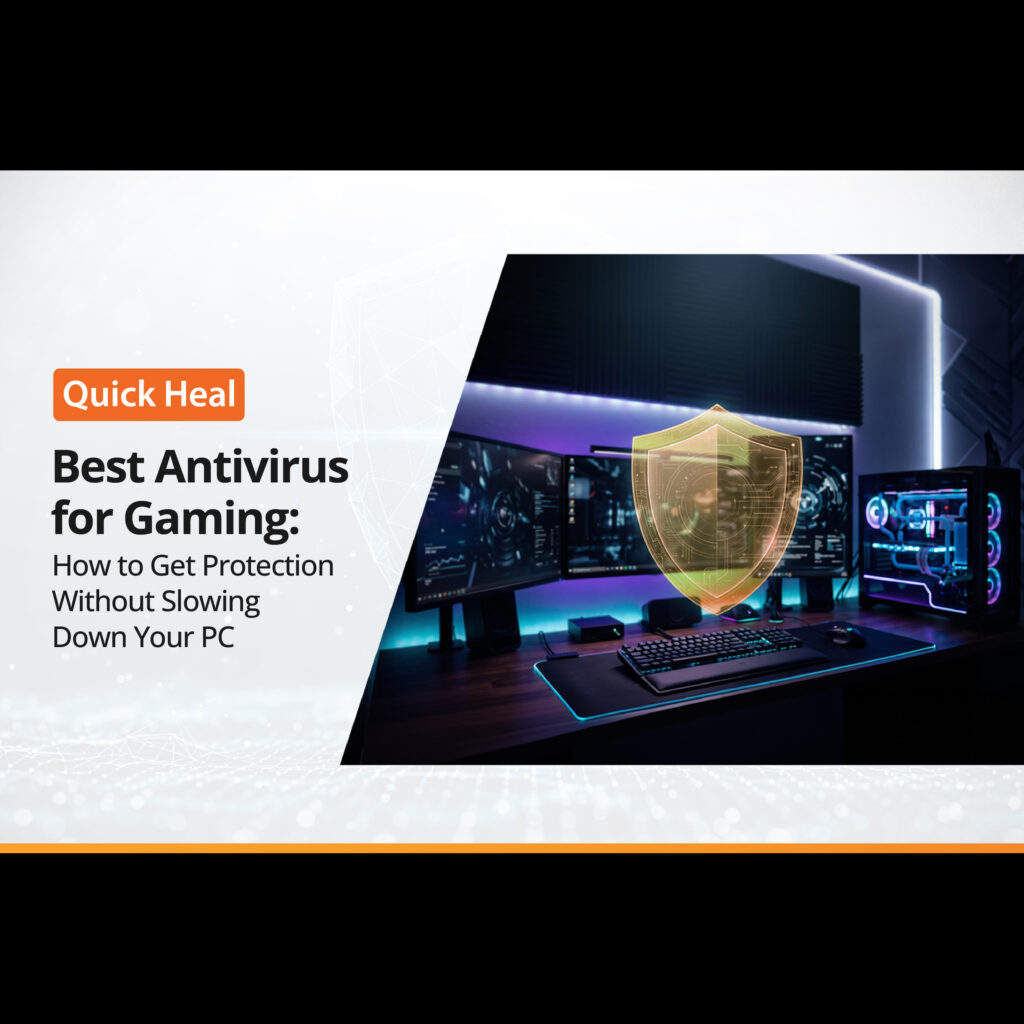
Best Antivirus for Gaming: How to Get Protection Without Slowing Down Your PC
- QuickHeal / 8 seconds
- November 2, 2026
- 0

Table of Contents
- Why Do Gamers Need Antivirus Protection?
- Can Antivirus Software Slow Down Your Gaming PC?
- What Features Should You Look for in the Best Antivirus for Gaming?
- How to Optimise Antivirus Performance While Gaming
- Is Windows’ Built-In Security Enough for Gaming?
- How to Choose the Right Gaming Antivirus
- Conclusion: Game Smoothly Without Compromising Security
Imagine you are in the middle of an intense gaming session. Your team is close to winning, your next move matters, and suddenly, your game starts lagging. The frame rate drops, the screen freezes for a moment, and your character misses a crucial move.
Frustrating, right?
Now imagine finding out that your antivirus software is running a full system scan in the background, using resources your game needs to run smoothly.
This is one reason gamers often wonder whether they really need antivirus protection. After all, gaming already requires a good processor, sufficient RAM, and a capable graphics card. Adding another program to the mix may feel like an unnecessary burden.
But gaming PCs are connected to the internet, download files, run game launchers, and often use voice chats and third-party platforms. These activities can expose them to malware, phishing attempts, and other online threats.
The good news is that you do not have to choose between gaming performance and security. With the right settings and a suitable best antivirus for gaming, you can protect your PC while keeping your gaming experience smooth.
Why Do Gamers Need Antivirus Protection?
Gaming involves more than installing a game and pressing the Play button. You may download updates, install mods, use community tools, join multiplayer servers, or purchase games and in-game items online.
Each of these activities can introduce security risks if you are not careful.
Here are a few common threats gamers should know about.
1. Malware Hidden in Downloads
Not every file available online is safe. Unofficial game installers, cracked games, cheats, and modified files may contain malware. Installing an infected file can put your personal information and system at risk.
2. Phishing and Gaming Account Theft
Gaming accounts can contain valuable purchases, personal information, and linked payment methods. Cybercriminals may send fake login pages or messages that appear to come from popular gaming platforms.
Entering your credentials on a fraudulent website could give someone access to your account.
3. Ransomware and Data Loss
Ransomware can lock your files and demand payment to restore access. While gamers may focus on protecting their game library, personal documents, screenshots, saved files, and other data also need protection.
4. Unsafe Mods and Third-Party Tools
Mods can improve the gaming experience, but downloading them from unfamiliar websites carries risks. Some files may contain unwanted programs or malicious code disguised as useful gaming tools.
Antivirus protection can help detect known threats and suspicious files, but it should work alongside safe downloading habits.
Can Antivirus Software Slow Down Your Gaming PC?
Yes, antivirus software can affect performance in certain situations. However, the impact depends on the software, your PC’s hardware, its settings, and what is happening in the background.
For example, a full system scan may use CPU and disk resources. Automatic updates, background tasks, and real-time file checks can also contribute to system activity.
You may notice these effects more on a PC with limited RAM, an older processor, or a hard drive that is already handling several tasks.
However, this does not mean you should disable your antivirus whenever you play a game. Doing so can leave your system exposed while you browse gaming forums, download files, or use online services.
Instead, look for a lightweight antivirus that offers useful protection without placing unnecessary demands on system resources.
What Features Should You Look for in the Best Antivirus for Gaming?
Not every antivirus product is designed in the same way. If gaming is a priority, consider these features before choosing one.
1. Lightweight Performance
A gaming antivirus should provide protection without constantly consuming excessive system resources.
Look for software that manages background tasks efficiently and allows routine scans to run when you are not playing. Check independent performance tests and reviews where available rather than relying only on claims about being lightweight.
2. Game Mode or Silent Mode
Some antivirus programs offer a Game Mode, Silent Mode, or similar feature. Depending on the product, this may reduce notifications, postpone scheduled scans, or limit certain background activities while a game is running.
This helps minimise interruptions during gameplay.
Remember that the exact behaviour varies by product. Check what the mode actually changes, and make sure essential security protection remains active.
3. Real-Time Malware Protection
Downloading a suspicious file can put your system at risk even if you have no intention of running it.
Real-time protection checks files and other activity for potential threats. This can help identify malicious downloads before they cause damage.
For gamers who frequently install games, mods, and other tools, this is an important feature to consider.
4. Web and Phishing Protection
Gaming often involves visiting community websites, signing in to accounts, and purchasing digital items.
Web protection can help identify malicious websites, while anti-phishing features may warn you about fraudulent login pages. Availability and coverage vary across products, so review the features included in the plan you choose.
5. Scheduled Scans and Flexible Settings
A full scan during a competitive match is poorly timed. The ability to schedule scans for a convenient time can help you manage system resources.
Choose an antivirus that lets you control scan schedules and notifications without requiring you to turn off essential protection.
How to Optimise Antivirus Performance While Gaming
Even with a suitable gaming antivirus, a few simple changes can help your PC run more smoothly.
Step 1: Enable Game Mode
If your antivirus includes a gaming or silent mode, enable it before starting a session. Review its settings to understand whether it pauses notifications, delays scans, or changes other background activities.
Do not assume every product offers the same controls.
Step 2: Schedule Full System Scans
Set full scans to run when you are away from your PC or do not need maximum performance. For example, you could schedule them overnight or during a time when you are not gaming.
Avoid repeatedly cancelling scans without rescheduling them.
Step 3: Keep Your Antivirus Updated
Security software needs regular updates to recognise newer threats. An outdated antivirus may not provide the protection you expect.
Allow security updates to install regularly. If an update interrupts your session, check whether your software lets you schedule it for a more convenient time.
Step 4: Close Unnecessary Background Applications
Your antivirus is not always responsible for lag. Browsers with multiple tabs, recording tools, launchers, streaming applications, and other background programs can also use CPU and RAM.
Close applications you do not need while gaming. Use your system’s Task Manager to identify programs consuming unusually high resources.
Step 5: Keep Your Operating System and Games Updated
Operating system updates can include important security fixes, while game updates may address performance issues and bugs.
Install updates from official sources and restart your PC when required. Avoid delaying important security updates indefinitely just to preserve a gaming session.
Step 6: Download Games and Mods Carefully
Use official game stores and trusted websites wherever possible. Be cautious with cracked games, unofficial installers, cheats, and files that ask you to disable security protection before installation.
If a file seems suspicious, do not run it simply because other users claim it works.
Is Windows’ Built-In Security Enough for Gaming?
Windows includes Microsoft Defender Antivirus, which provides basic, built-in protection against malware and other digital threats. However, gaming PCs face risks beyond infected files, including phishing attempts, fraudulent gaming websites, suspicious downloads, and attempts to steal gaming account credentials.
If you frequently download games, install mods, use third-party gaming tools, or make online purchases, you may want to consider a paid antivirus solution that offers additional security features.
A paid antivirus can provide added value through features such as enhanced web protection, phishing detection, ransomware safeguards, and dedicated controls to minimise interruptions during gameplay, depending on the product you choose.
After all, protecting your gaming PC is about more than keeping malware away. It is also about safeguarding your accounts, personal information, and gaming experience.
How to Choose the Right Gaming Antivirus
Before choosing an antivirus for gaming PC use, consider three things: performance, protection, and ease of use.
If you play competitive games, prioritise low background activity and controls that reduce interruptions. If you frequently download mods or use third-party tools, pay close attention to malware detection and web protection.
You should also consider your PC’s specifications. A system with limited resources may benefit more from carefully managed background activity than a high-end gaming PC.
Solutions such as Quick Heal offer PC security products that you can evaluate against these requirements. Review the features, system requirements, and settings of the specific product before deciding whether it suits your gaming setup.
The goal is not to install the software with the longest feature list. It is to choose protection that fits how you use your PC.
Conclusion: Game Smoothly Without Compromising Security
A gaming PC needs to deliver both performance and protection. While antivirus software can use system resources, the right choice and settings can help reduce unnecessary interruptions.
Look for a lightweight antivirus, check whether it offers a dedicated gaming mode, schedule scans thoughtfully, and keep your security software updated. Just as importantly, download games and mods from trusted sources and stay alert to suspicious links.
You do not need to sacrifice security for a smoother gaming experience. With a little planning, you can protect your PC, safeguard your gaming accounts, and focus on what matters most: enjoying the game.