30
Oct
Oct

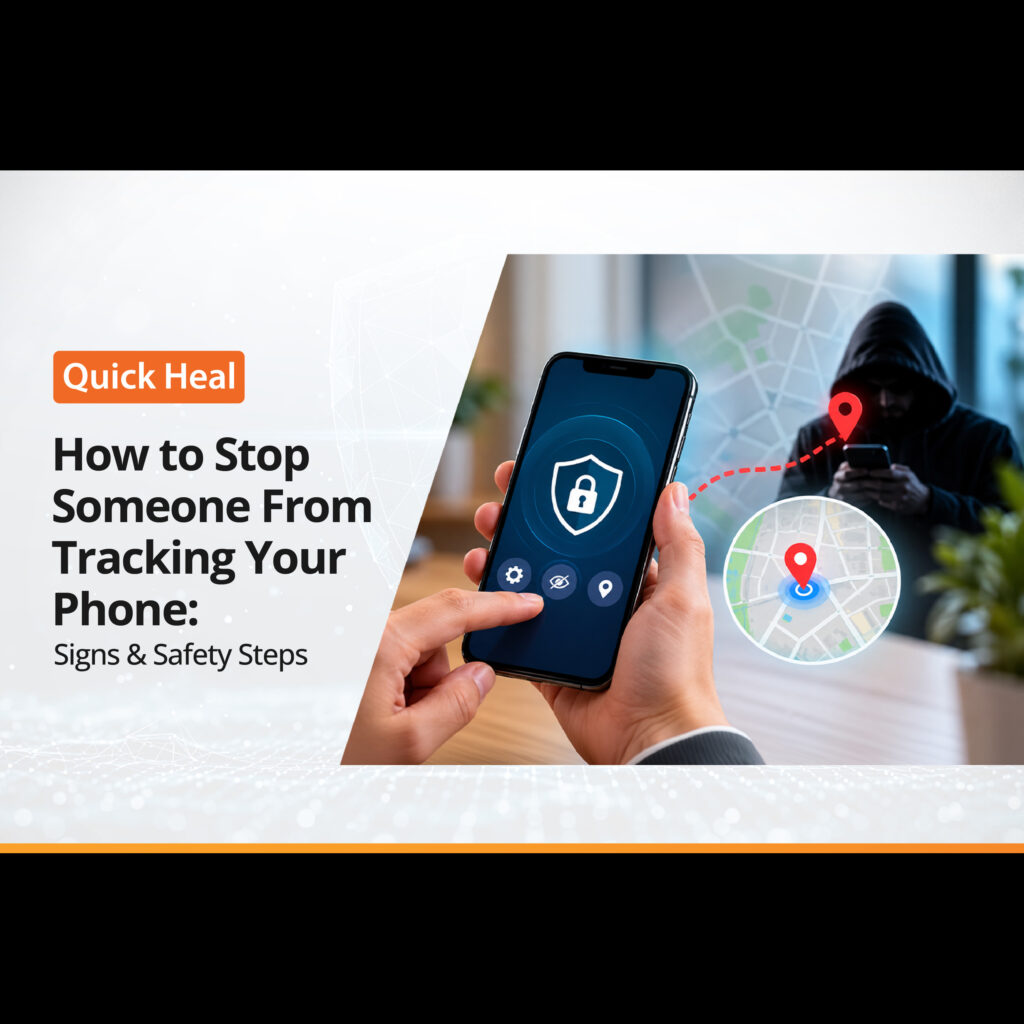
How to Stop Someone From Tracking Your Phone: Signs & Safety Steps
- QuickHeal / 12 minutes
- October 30, 2026
- 0

Table of Contents
- How Can Someone Track Your Phone?
- Signs Someone May Be Tracking Your Phone
- How to Stop Someone From Tracking Your Phone
- Can Someone Track Your Phone Through Your Mobile Number?
- What If You Still Think Someone Is Tracking You?
- Conclusion
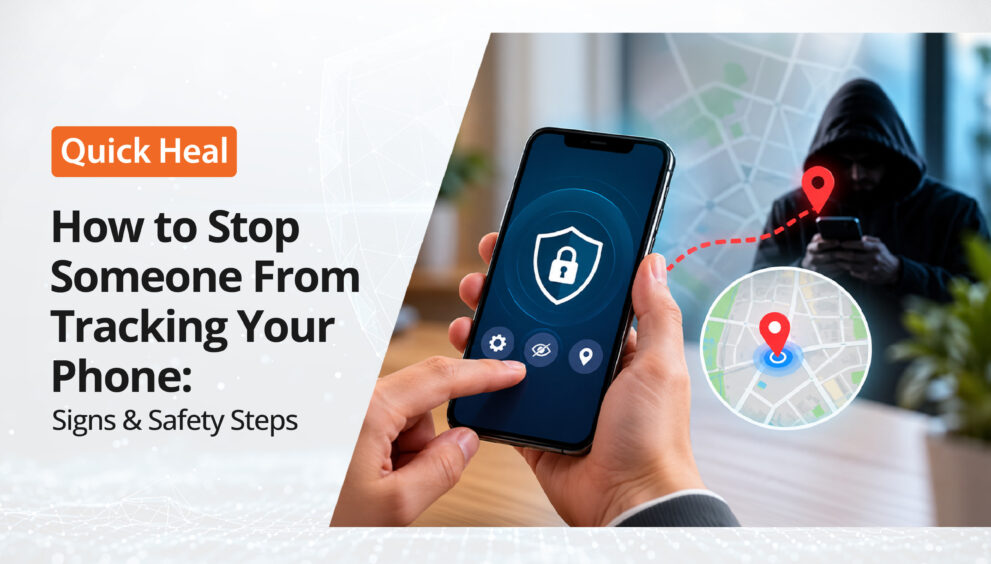
Have you ever wondered how someone seems to know where you have been, even when you have not shared your location with them? Situations like these can raise questions about your phone’s privacy and whether someone might be tracking your movements.
There are several ways location information can be shared. Apps may access your location permissions, location-sharing services may remain active, or your phone may be connected to an account that shares location data across devices. In some cases, unfamiliar apps or unwanted tracking devices may also raise privacy concerns.
However, not every unusual phone behaviour points to tracking. For example, a battery that drains faster than usual or an increase in mobile data usage can have several causes and does not necessarily mean someone is monitoring your phone.
So, how can you tell whether your location is being shared without your knowledge? The first step is to understand the common signs of phone tracking and identify the settings or apps that may be exposing your location.
In this blog, we will explore how to stop someone from tracking your phone, the warning signs to look out for, and the steps you can take to protect your privacy.
How Can Someone Track Your Phone?
Your smartphone stores and processes different types of information, including your location and app activity. Depending on your settings and the access you have granted, some of this information may be shared with apps or other people.
Here are a few common ways this can happen.
Location sharing: You may have shared your live location through a mapping or messaging app. If sharing remains active, the selected person may continue to see your location.
App permissions: Some apps request access to your location. Depending on the permission granted, they may access it while you use the app or under other permitted conditions.
Account access: If someone gains access to your Google or Apple account, they may be able to view certain information associated with it, depending on your settings.
Unfamiliar tracking apps: Some applications can collect location information or other device activity. An unfamiliar app with unnecessary permissions deserves closer attention.
Physical tracking devices: Certain Bluetooth tracking devices can help locate belongings. If misused, they may also be used to track a person’s movements without their knowledge.
Understanding these possibilities can help you identify what to check before taking action.
Signs Someone May Be Tracking Your Phone
There is no single sign that confirms someone is tracking your phone. However, some unusual activity may be worth investigating.
1. Someone Knows Your Location Without an Obvious Reason
If someone repeatedly knows where you are even though you have not told them, review your location-sharing settings and account access.
There may be an ordinary explanation, such as an active location-sharing feature. However, if you cannot explain how they know, check your settings carefully.
2. You Notice Unfamiliar Apps
Look through the applications installed on your phone. If you find an app you do not recognise, check its name, developer, permissions, and purpose.
Some legitimate system applications may have unfamiliar names, so do not assume every unknown app is malicious.
Pay particular attention to apps with location, microphone, camera, or accessibility permissions that do not appear necessary for their function.
3. Your Battery or Data Usage Changes Suddenly
Has your phone started losing battery faster than usual? Have you noticed an unexpected increase in mobile data usage?
These changes can happen for several reasons, including software updates, background applications, poor network coverage, or heavy usage.
They are not proof of tracking. However, if the changes occur alongside other suspicious activity, check your battery and data usage reports for unfamiliar applications.
4. You Receive Unexpected Account Alerts
Notifications about unfamiliar sign-ins, password changes, or devices connected to your account should not be ignored.
Check whether the activity was yours. If you do not recognise it, secure your account and review the devices and sessions associated with it.
5. You Receive an Unknown Tracking Device Alert
Some smartphones can notify you when a compatible Bluetooth tracking device appears to be travelling with you over time.
If you receive such an alert, follow the instructions on your phone to identify the device and understand what to do next.
How to Stop Someone From Tracking Your Phone
If you want to stop tracking on your phone, start with these practical steps.
1. Review Your Location-Sharing Settings
This is one of the first things to check.
On an Android phone, open your location settings and review which apps can access your location. Depending on your device, you may be able to allow access only while using an app or deny it altogether.
On an iPhone, go to Settings → Privacy & Security → Location Services. Review the listed apps and change their access according to your needs.
You should also check location sharing separately in apps and services that let you share your whereabouts with other people.
Remember, turning off location access for an app and stopping location sharing with another person are not always the same thing.
2. Check App Permissions
Your phone lets you control what information apps can access.
Review permissions for location, camera, microphone, contacts, and other sensitive information. Remove access that an app does not need to perform its intended function.
On Android, you can generally review these permissions under Settings → Security & privacy → Privacy → Permission manager. Menu names may vary by device.
On iPhone, review the relevant permissions under Settings → Privacy & Security.
If you find an unfamiliar application, investigate it before removing it. If you suspect deliberate monitoring, consider getting help from a trusted professional before making changes.
3. Secure Your Google or Apple Account
If someone else has access to your account, changing location settings alone may not be enough.
Review the devices signed in to your Google or Apple account and look for anything you do not recognise. Remove unfamiliar devices or sessions using the account’s official security settings.
Change your password to a strong, unique one and enable two-factor authentication or two-step verification.
If you suspect someone knows your password, use a device they cannot access to secure your account.
4. Look for Unfamiliar Applications
Review your installed apps and remove applications you no longer need or have confirmed to be unwanted.
On Android, check for unfamiliar apps with Accessibility access, device administrator privileges, or permission to install unknown apps. These settings can give applications significant control, depending on the access granted.
On iPhone, review Settings → General → VPN & Device Management for configuration profiles or device management settings you do not recognise.
Do not remove work or school management profiles without checking with the relevant administrator. If you suspect someone is deliberately monitoring you, seek trusted advice before making changes that could alert them.
5. Check for Unknown Tracking Devices
If you suspect that someone may be using a physical tracking device, check the tracking alerts available on your phone.
Android and iPhone offer features that can help identify certain compatible Bluetooth tracking devices travelling with you. Follow the on-screen instructions if you receive an alert.
If you find a device, consider your personal safety before disabling or removing it. In situations involving stalking or abuse, changing settings or removing a tracker may alert the person responsible.
6. Keep Your Phone Updated
Install operating system and security updates through your phone’s official settings. Updates can fix known security weaknesses and improve device protection.
Avoid installing applications from unfamiliar websites or clicking links that ask you to download an unexpected security tool.
Reputable mobile security software may help identify certain threats, depending on the product and its features. However, antivirus software cannot guarantee that every form of location sharing or tracking will be detected.
Can Someone Track Your Phone Through Your Mobile Number?
This is a common concern when people search for how to stop tracking mobile number activity.
A mobile number alone does not normally give an ordinary person direct access to your live GPS location. However, location information may be available to mobile network operators under applicable conditions, and criminals may use your phone number in scams or attempts to compromise your accounts.
Be cautious of websites claiming they can reveal anyone’s exact live location simply by entering a mobile number. Do not provide personal information, pay an unknown service, or install an unfamiliar app to test such a claim.
If you receive suspicious calls or messages, avoid sharing OTPs, passwords, or other sensitive information.
What If You Still Think Someone Is Tracking You?
If you have checked your settings and still notice suspicious activity, consider taking further steps.
- Review your installed applications and account sign-ins.
- Secure your important accounts and enable additional authentication.
- Back up essential files and review your device’s security settings.
- Seek help from your phone manufacturer or a trusted cybersecurity professional if needed.
- Consider a factory reset only after understanding what it will erase and how to back up important information safely.
If the tracking may be connected to an abusive partner or another person who could put you at risk, use a trusted device to seek help. Avoid making sudden changes if they could increase the danger to you.
Conclusion
Knowing how to stop someone from tracking your phone starts with understanding where your location information is being shared.
Review your app permissions, check location-sharing settings, secure your Google or Apple account, and pay attention to unfamiliar applications or tracking-device alerts.
Remember that battery drain, data usage, or one unusual notification does not automatically mean someone is tracking you. Check the evidence before taking action.
Your phone should help you stay connected without compromising your privacy. A few careful checks can help you understand what information you share and take steps to protect it.