

05
Oct
Oct

Do You Really Need Antivirus for Your Laptop? Complete Explanation
- QuickHeal / 57 seconds
- October 5, 2026
- 0

Table of Contents
- Do Laptops Need Antivirus?
- Is Antivirus Necessary for Laptop If It Has Built-In Security?
- Do I Need Antivirus on My Laptop for Browsing?
- Do Laptops Need Antivirus for Online Banking?
- Can Antivirus Protect a Laptop from Ransomware?
- Do Laptops Need Antivirus If I Only Download Files Occasionally?
- Does Antivirus Slow Down a Laptop?
- Is Free Antivirus Enough for a Laptop?
- What Should I Look for in Laptop Antivirus Software?
- How Can I Protect My Laptop Without Antivirus?
- Conclusion
- FAQs
If you use your laptop for work, banking, shopping, entertainment or storing personal files, security is probably something you think about only after something goes wrong. This raises a common question: do laptops need antivirus when modern operating systems already include built-in security features?
The short answer is that it depends on how you use your laptop. Built-in protection can cover many everyday threats, while dedicated security software can add more layers against malware, ransomware, phishing and other threats.
The India Cyber Threat Report 2026 from Seqrite, the enterprise arm of Quick Heal, recorded 265.52 million malware detections across more than 8 million endpoints between October 2024 and September 2025. The report also recorded more than 9.2 million network-based exploit scans.
So, do laptops need antivirus in 2026? Let’s answer the most common questions.
Do Laptops Need Antivirus?
Yes, many laptop users can benefit from antivirus protection, particularly those who regularly download files, visit unfamiliar websites, use online banking or handle sensitive information.
Modern laptops may already have built-in security tools, but dedicated antivirus can add real-time threat monitoring, ransomware protection, web security and phishing detection.
Whether you need it depends on your laptop usage, operating system and existing security setup.
Is Antivirus Necessary for Laptop If It Has Built-In Security?
Not necessarily for every user, but additional protection can still be useful.
Windows and other modern operating systems include built-in security features that can detect and block many common threats. Dedicated security products may provide additional layers and features beyond basic malware detection.
If your laptop is used for banking, work, downloading software or accessing sensitive data, comparing built-in protection with a dedicated laptop protection solution can help you decide whether additional coverage is worthwhile.
Do I Need Antivirus on My Laptop for Browsing?
It can be useful, especially if you visit a wide range of websites or frequently download files.
Cyber threats do not always arrive as obvious malware downloads. Phishing pages, malicious links, fake software updates and compromised websites can attempt to steal information or install unwanted software.
A security solution with web and phishing protection can help identify suspicious websites and links before they become a bigger problem.
Do Laptops Need Antivirus for Online Banking?
If you use your laptop for online banking, additional security precautions are worth considering.
Banking-related threats can involve phishing websites, malicious downloads, keyloggers or other malware designed to capture sensitive information. Antivirus with web protection and banking-focused security features can provide an additional layer of defence.
For example, Quick Heal’s security products include features designed to protect online banking and financial transactions, depending on the product.
However, antivirus should work alongside strong passwords, multi-factor authentication, software updates and safe browsing habits.
Can Antivirus Protect a Laptop from Ransomware?
Antivirus software can help detect and block ransomware, although no security solution can guarantee protection against every attack.
The India Cyber Threat Report 2026 recorded ransomware activity peaking in January 2025, with 185 incidents and 113,000 detections during that month.
When considering do laptops need antivirus, ransomware protection is one reason users handling important files may want an additional security layer.
Look for behaviour-based detection, suspicious activity monitoring and protection against unauthorised file changes.
Do Laptops Need Antivirus If I Only Download Files Occasionally?
It can still be useful because even occasional downloads can introduce risks.
Software, documents, email attachments and media files can potentially contain malicious code. Real-time antivirus protection can scan files as they are accessed or downloaded rather than relying entirely on manual scans.
If you rarely download anything and stick to trusted sources, your risk profile may be different from someone who frequently installs software from the internet.
Does Antivirus Slow Down a Laptop?
It can use system resources, particularly during scans, but the impact varies between security products and devices.
Before installing antivirus, check the software’s system requirements and performance impact. This is particularly important for older laptops with limited RAM or processing power.
A good laptop protection solution should provide useful security without making everyday activities unnecessarily difficult.
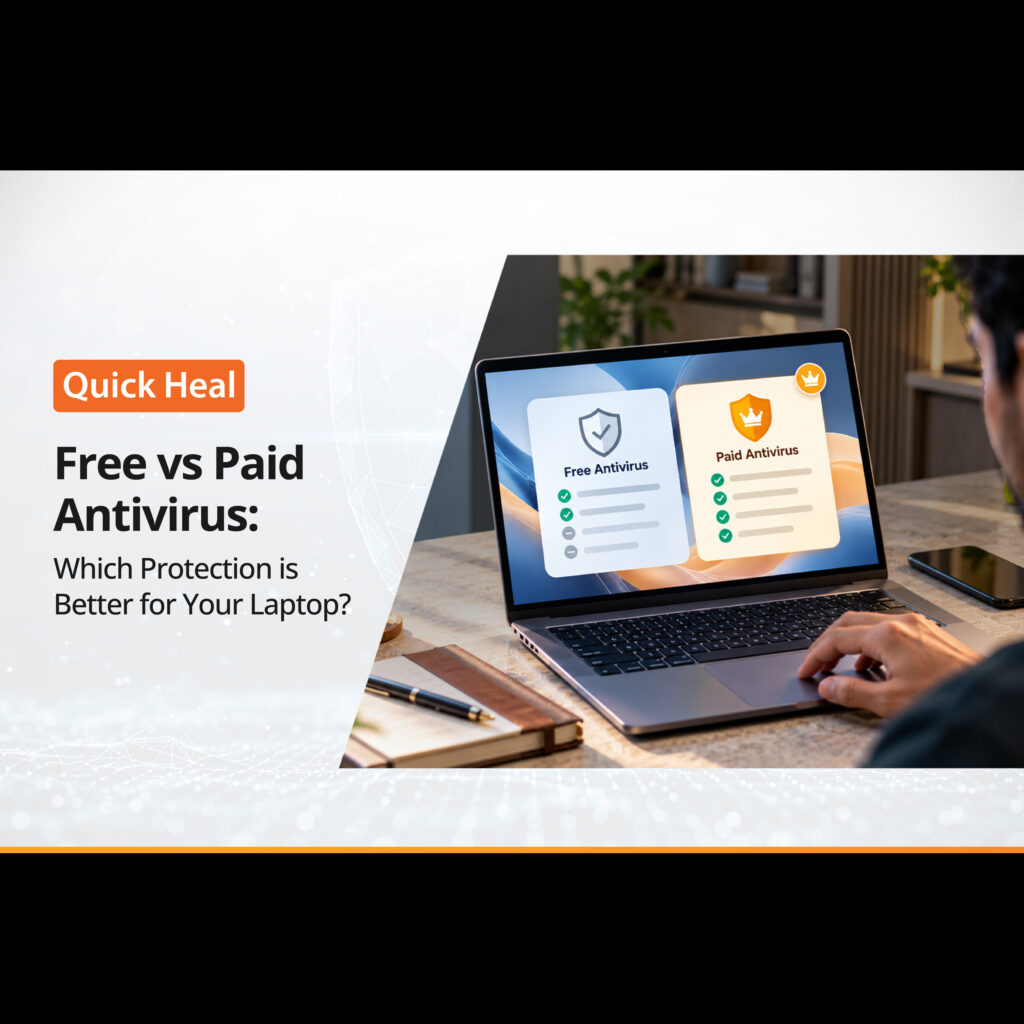
Is Free Antivirus Enough for a Laptop?
For some users, free antivirus or built-in operating system protection may be sufficient for basic security needs.
However, paid antivirus products can offer additional features such as ransomware protection, advanced web security, privacy tools, banking protection, multi-device coverage and customer support.
If you’re asking do laptops need antivirus because you mainly browse trusted websites and keep your operating system updated, built-in protection may meet your needs. If you regularly bank, download software, work with sensitive files or use multiple devices, you may want to consider a broader security solution.
What Should I Look for in Laptop Antivirus Software?
If you decide that additional antivirus protection is right for you, focus on features that match your usage.
Look for:
- Real-time malware detection
- Ransomware protection
- Phishing and web protection
- Behaviour-based threat detection
- Automatic security updates
- Reasonable system performance
- Compatibility with your operating system
- Customer support
- Additional privacy or banking protection, if required
The best laptop protection is not necessarily the product with the largest feature list. It should provide the layers that address the risks you are most likely to encounter.
How Can I Protect My Laptop Without Antivirus?
Antivirus is only one part of a broader security strategy. You can reduce risks by keeping your operating system and applications updated, using strong and unique passwords, enabling multi-factor authentication, avoiding suspicious links and downloading software only from trusted sources.
Regularly backing up important files is also important, particularly against threats such as ransomware.
These habits do not necessarily replace antivirus protection, but they can complement it.
Conclusion
For many users, dedicated antivirus remains a useful part of a broader security setup. Built-in protection has improved significantly, but laptops continue to face malware, ransomware, phishing and other threats.
The Quick Heal India Cyber Threat Report 2026 recorded millions of detections across monitored Indian endpoints, highlighting the continuing scale of cyber threats.
Ultimately, whether do laptops need antivirus is a question of your device, online habits and the type of information you store. If your laptop handles banking details, confidential work, personal files or frequent downloads, additional laptop protection may be worth considering.
FAQs
1. Do laptops need antivirus if they have Windows Security?
Windows includes built-in security features that provide protection against many common threats. However, users who need additional features such as advanced ransomware, web, phishing or privacy protection may consider dedicated antivirus software.
2. Do I need antivirus on my laptop for browsing?
It can be useful, particularly if you visit unfamiliar websites, download files or frequently click links. Web and phishing protection can add another layer of security while browsing.
3. Is antivirus necessary for laptop gaming?
It can be. Gamers may download games, mods, launchers and other files from different sources. Antivirus can help identify malicious files, while features such as Gamer Mode may minimise interruptions during gameplay.
4. Can antivirus remove existing malware from a laptop?
Many antivirus products can detect and remove known malware from an infected device. If you suspect an infection, run a full system scan and follow the security software’s recommended remediation steps.
5. Should I install more than one antivirus on my laptop?
Generally, running multiple real-time antivirus programs simultaneously is not recommended because they can conflict with each other and consume additional system resources. Choose one primary security solution and keep it updated.