27
Aug
Aug

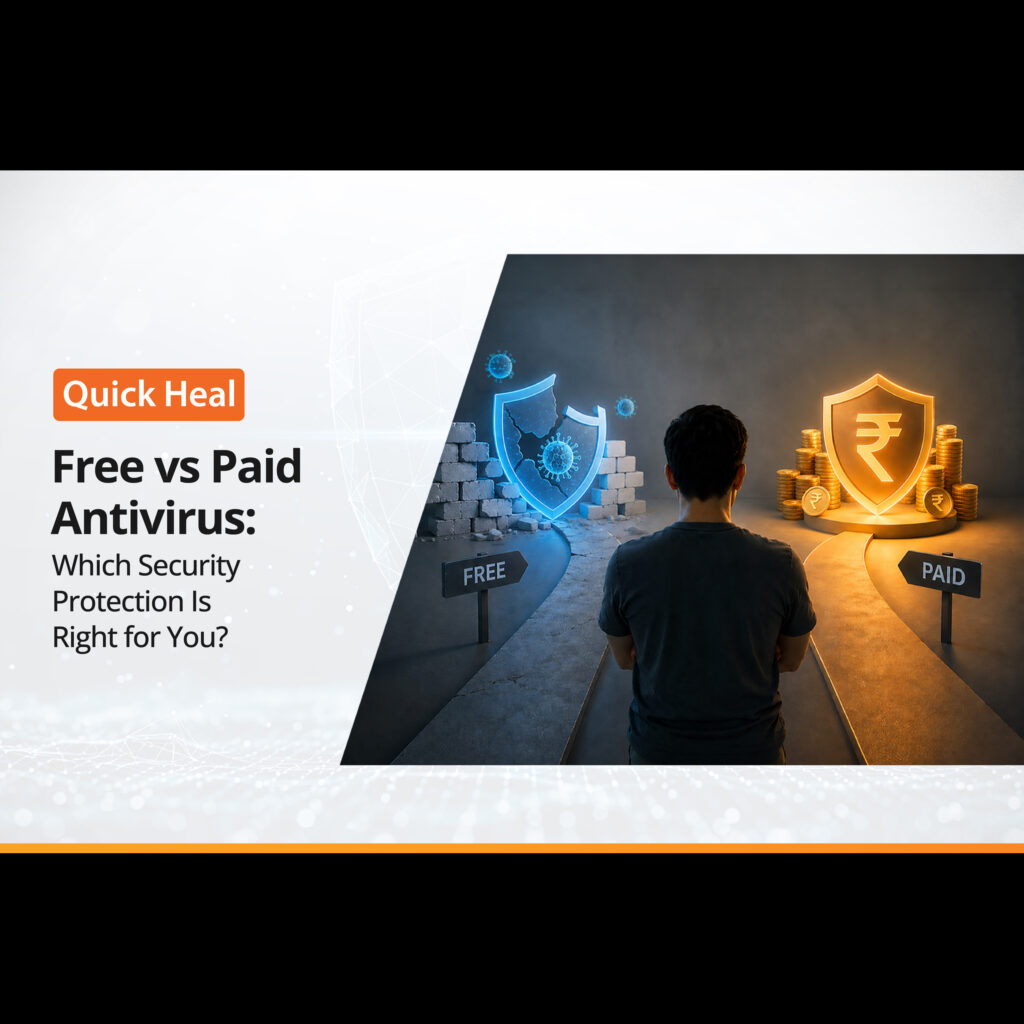
Free vs Paid Antivirus: Which Security Protection Is Right for You?
- QuickHeal / 1 month
- August 27, 2026
- 0

Table of Contents
- What Is Free Antivirus Software?
- Free vs Paid Antivirus: What Is the Difference?
- When Is Free Antivirus Enough?
- When Should You Choose Paid Antivirus?
- Does Free Antivirus Provide Enough Malware Protection?
- Free vs Paid Antivirus: Which One Should You Choose?
- What Should You Look for in Antivirus Protection?
- Conclusion
- FAQs
Cyber threats are becoming harder to spot. Malware can arrive through a seemingly harmless download, phishing can imitate trusted brands, and ransomware can lock important files within minutes. In AV-TEST’s February 2026 evaluation of Windows 11 security products, Microsoft Defender Antivirus scored 6/6 for protection, performance, and usability, achieving the maximum 18/18. Several paid products, including Bitdefender, Norton, McAfee, and Kaspersky, also achieved a score of 18/18. This shows an important point: free antivirus can provide strong core protection.
However, paid antivirus products often compete on the breadth of features they add around that core protection, including privacy tools, VPNs, identity protection, parental controls, and multi-device management. So, should you choose free antivirus software or invest in a premium antivirus suite? The answer depends on your devices, online habits and the level of antivirus protection you need.
What Is Free Antivirus Software?
Free antivirus software provides essential protection against common digital threats without requiring a subscription. Depending on the product, this may include malware scanning, real-time protection, malicious file detection, and basic web security. Microsoft Defender is a prominent example because it comes built into Windows. Other vendors also offer free versions of their security products with varying feature sets.
The biggest advantage is straightforward: free malware protection can provide a useful security baseline without adding another recurring expense. For users who primarily browse trusted websites, download files occasionally and keep their operating system updated, this level of protection may be enough.
However, free products typically focus on core protection. Features such as advanced ransomware controls, VPN access, identity monitoring, password managers or dedicated customer support may be reserved for paid plans.
Free vs Paid Antivirus: What Is the Difference?
The difference between free antivirus and paid antivirus is not necessarily basic protection versus no protection. It is usually the depth and breadth of security features available.
Feature | Free Antivirus | Paid Antivirus |
Malware scanning | Available | Available |
Real-time protection | Usually | Available |
Basic web protection | Often | Available |
Ransomware protection | Varies | Usually more extensive |
Phishing protection | Basic to moderate | More comprehensive |
VPN | Limited or unavailable | Often included |
Password manager | Sometimes | Often included |
Identity monitoring | Limited | More likely |
Parental controls | Rare | Common in premium suites |
Multi-device management | Limited | Common |
Customer support | Basic | More comprehensive |
Cost | Free | Subscription-based |
The exact features vary greatly between vendors, so users should compare individual products rather than assuming every free or paid plan is identical.
When Is Free Antivirus Enough?
For many everyday users, free antivirus software can be a sensible choice. If your digital routine is relatively simple, paying for additional features may not provide enough value to justify the cost. Consider free antivirus if you:
- Mainly use your device for browsing, streaming, and basic productivity.
- Download software only from trusted sources.
- Keep your operating system and applications updated.
- Use strong, unique passwords and multifactor authentication.
- Rarely handle highly sensitive financial or business information.
- Are comfortable managing security settings yourself.
Independent testing also shows that free or built-in protection should not automatically be dismissed. AV-TEST’s August 2025 evaluation gave Microsoft Defender a maximum 6/6 protection score, while Avast Free Antivirus scored 5.5/6 for protection and 6/6 for performance and usability. That said, test results change over time, so checking recent independent evaluations is more useful than relying on a product’s historical reputation.
When Should You Choose Paid Antivirus?
Paid antivirus becomes more compelling when you want security beyond basic malware detection. A premium antivirus suite may combine antivirus protection with additional tools designed to address several parts of the modern threat landscape.
Stronger ransomware protection
Ransomware can encrypt files or steal sensitive information and demand payment. A paid security suite may provide additional layers such as protected folders, behavioural monitoring and remediation tools.
Broader web protection
Online threats tend to begin outside the device itself. Phishing websites, malicious downloads and fraudulent pages can attempt to steal credentials before traditional malware even reaches your computer. Paid products may offer more extensive URL filtering, phishing protection and browser security features.
Privacy and identity protection
Some premium plans include VPNs, identity monitoring, password managers or privacy controls. These features can be particularly useful for users who regularly work remotely, shop online or manage sensitive information.
Multi-device protection
If your household uses several Windows PCs, Macs, smartphones or tablets, a paid plan covering multiple devices can be easier to manage than maintaining separate free tools.
Does Free Antivirus Provide Enough Malware Protection?
The answer depends on the product and your behaviour. A reputable free antivirus product can provide effective core malware protection, but no antivirus can compensate for unsafe online behaviour completely.
Independent testing is therefore one of the best ways to compare security products. AV-TEST evaluates protection, performance, and usability separately, with each category carrying a maximum score of six points. Its February 2026 Windows 11 test awarded several free and paid products the full 18/18 score.
This also demonstrates why paid antivirus should not be chosen simply because it has a price tag. Paying more does not automatically mean better malware detection. The additional value often comes from the security ecosystem surrounding the antivirus engine.
Free vs Paid Antivirus: Which One Should You Choose?
Your decision should come down to your risk profile rather than the assumption that paid software is always better.
Choose free antivirus if You need reliable basic malware protection, have straightforward usage habits, and are comfortable managing your own security.
Choose paid antivirus if you want broader ransomware and web protection, additional privacy tools, identity monitoring, multi-device coverage, or dedicated support.
For example, Quick Heal offers security solutions for users who want protection beyond basic antivirus capabilities. When reviewing a paid product, compare its current features, independent test performance, device coverage, and support against your actual requirements.
What Should You Look for in Antivirus Protection?
Whether you choose free antivirus protection or a premium solution, focus on the fundamentals:
Malware detection: Check recent independent test results.
Real-time protection: Make sure threats are monitored continuously rather than only during scheduled scans.
Ransomware protection: Look for safeguards against suspicious file encryption and unauthorised changes.
Web protection: Check whether phishing websites, malicious links and dangerous downloads are covered.
Performance: Security software should not create unnecessary system slowdowns.
Updates: Threat intelligence should be regularly updated to address emerging threats.
Support: Consider whether you can access help when you need it.
Conclusion
The choice between free antivirus and paid antivirus ultimately depends on how much protection and functionality you need. Free antivirus software can provide a strong baseline for everyday users, while a premium antivirus suite can offer broader protection and additional security tools.
The best approach is to compare current independent test results, features, device coverage, and your own online habits. Whether you choose free antivirus software or invest in a paid solution like Quick Heal, consistent updates, safe browsing, strong passwords and multifactor authentication remain essential parts of effective antivirus protection.
FAQs
1. Is free antivirus software enough for everyday users?
Yes. A reputable free antivirus can provide essential malware protection and real-time security for users with relatively simple browsing and computing habits.
2. Is paid antivirus better than free antivirus?
Not necessarily. Paid antivirus often provides additional features such as ransomware protection, VPNs, identity monitoring, parental controls and multi-device management, but core protection can also be strong in free products.
3. What does paid antivirus offer that free antivirus may not?
A premium antivirus may include advanced web protection, ransomware safeguards, privacy tools, password managers, identity monitoring, parental controls and dedicated customer support.
4. How should I choose between free and paid antivirus?
Consider your online activities, the sensitivity of the information you handle, the number of devices you use, and the additional security features you need. Also compare recent independent test results.
5. Can free antivirus protect against ransomware and phishing?
Some free antivirus software provides basic ransomware and phishing protection, but the level of coverage varies by product. Users should check the specific features and independent test results before choosing a solution.