
05
Oct
Oct

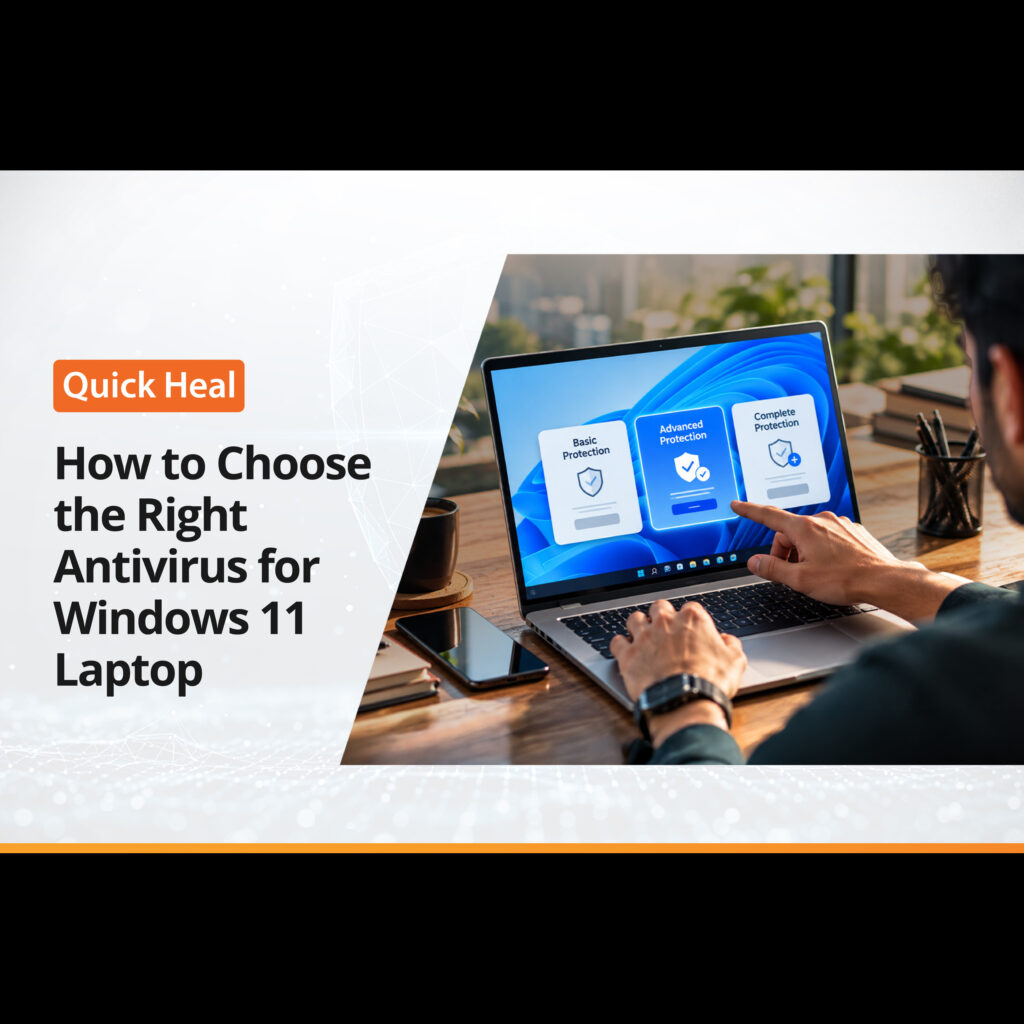
How to Choose the Right Antivirus for Windows 11 Laptop
- QuickHeal / 1 minute
- October 5, 2026
- 0

Table of Contents
- Understanding Built-in Security in Windows 11
- Key Features to Look For in a Security Tool
- Impact on System Performance and Battery Life
- Free vs Paid Security Solutions
- Red Flags: What Security Software to Avoid
- Conclusion
Buying a new laptop feels great until you start worrying about viruses, spyware, and phishing links. Windows 11 comes with built-in defences, but online threats change every day. Choosing the right extra layer of security can mean the difference between a smooth machine and a corrupted operating system.
This guide walks you through the exact features you need to look for, what common pitfalls to avoid, and how to select security software that keeps your machine safe without slowing it down.
Understanding Built-in Security in Windows 11
Microsoft built Windows 11 with security as a core focus. Requirements like TPM 2.0 (Trusted Platform Module) and Secure Boot ensure that your hardware starts up safely without unauthorized software hijacking the process during boot time.
Windows Defender comes pre-installed on every system. It handles basic file scans, flags known dangerous programs, and keeps quiet in the background. For standard browsing or simple offline tasks, it provides a decent baseline of Windows laptop security.
However, basic protection often falls short when you deal with aggressive online threats. Advanced phishing scams, fake download buttons, zero-day malware, and targeted ransomware frequently bypass default defenses. If you use your laptop for online banking, sensitive work files, or heavy gaming across public networks, relying only on built-in tools leaves critical security gaps open.
Key Features to Look For in a Security Tool
Not all protection software is built the same. When searching for the best antivirus Windows 11 setup, look for these fundamental capabilities:
- Real-time Threat Detection: The software must monitor incoming files, web pages, and background processes constantly, stopping malware before it installs.
- Ransomware Shield: Ransomware locks your personal documents and demands payment for access. A good tool blocks unauthorized file modifications instantly.
- Web and Phishing Protection: Fake login pages steal credentials before a standard virus scan even runs. Browser-level protection warns you about unsafe links in real time.
- Wi-Fi Security Guard: Laptops connect to public Wi-Fi networks at cafes and airports. Your software should monitor open networks for data eavesdropping and unencrypted traffic.
- Automated Updates: Threat intelligence must update continuously in the background without requiring manual intervention from you.
Here is a quick feature comparison to help you evaluate your choices:
Security Feature | Standard Windows Defender | Advanced Third-Party Protection |
Basic Malware Scanning | Included | Included |
Phishing Link Detection | Browser Limited (Edge) | Universal Across Browsers |
Ransomware File Rollback | Basic Cloud Backup | Local Real-Time Defense |
Public Wi-Fi Scanning | Minimal | Active Monitoring |
System Optimization Tools | None | Often Included |
Impact on System Performance and Battery Life
A common complaint about security software is that it drags down system speed. On a portable laptop, high CPU usage directly drains your battery and turns up cooling fans.
When evaluating Windows 11 protection, look for lightweight software designed specifically for modern hardware. High-quality software runs cloud-based signature updates, meaning the heavy computational scanning happens on remote servers rather than choking your local RAM and processor.
Check independent testing labs like AV-TEST or AV-Comparatives before installing anything. These independent benchmarks measure how much a security suite slows down app launch times, file copies, and web browsing speeds. Select software that scores high in detection while maintaining low performance overhead.
Free vs Paid Security Solutions
Free security utilities exist everywhere, but they usually come with hidden costs or limitations. Understanding the distinction helps you decide where to invest.
Free Security Software
Free tools usually offer simple file scanning and basic virus removal. However, they frequently display pop-up advertisements urging you to upgrade. They also tend to lack critical preventive measures like advanced web filters, firewall controls, or dedicated customer support when something goes wrong.
Paid Security Suites
Paid software gives you complete protection across multiple vectors. You get dedicated ransomware protection, password managers, identity monitoring, and multi-device support under a single license. If your laptop holds important work documents, banking records, or family photos, a paid plan acts as inexpensive insurance.
Red Flags: What Security Software to Avoid
Installing the wrong security tool can cause more problems than the malware you are trying to block. Keep these warning signs in mind:
- Installing Multiple Antivirus Programs: Never run two active scanners simultaneously. They conflict with each other, consume double the system resources, and often freeze your laptop.
- Aggressive Adware or Rogue Cleaners: Avoid programs that pop up fake threat warnings to force you into purchasing extra tools.
- Outdated Legacy Programs: Software designed for older Windows versions may not integrate properly with Windows 11 architecture, leaving security loopholes open.
- Unclear Privacy Policies: Ensure the software vendor does not sell your browsing telemetry or personal data to third-party advertising networks.
Conclusion: Finding the Right Fit for Your Laptop
Selecting the right security software comes down to balancing complete protection with light system performance. Windows 11 offers a solid foundation, but adding dedicated multi-layered protection keeps your personal data, identity, and financial transactions completely secure against evolving cyber threats.
At Quick Heal, we design security solutions built to protect your device without compromising speed or battery performance. Our protection suites offer real-time threat detection, advanced ransomware defense, and secure web browsing features tailored specifically to modern operating systems. You can explore our security products at Quick Heal to find a protection plan that matches your exact laptop usage and safety needs.