
29
Oct
Oct

What Is Domain Impersonation? Lookalike and Typosquatting Domains Explained for Small Businesses
- QuickHeal / 31 minutes
- October 29, 2026
- 0

Imagine a customer receives an email that appears to come from your business. The logo looks familiar, the message sounds genuine, and the website link seems correct at first glance. The customer clicks the link and lands on a page that looks just like your official website.
But there is a catch. The website address is slightly different from yours.
This is one way domain impersonation can put a small business at risk. Scammers create or use website domains that resemble legitimate business addresses to mislead customers, employees, and business partners. They may use these domains to send fraudulent emails, collect sensitive information, or direct visitors to fake websites.
The tricky part is that the difference can be as small as a missing letter, an extra character, or a letter that looks almost identical to the original.
So, what is domain impersonation, how do lookalike and typosquatting domains work, and how can you protect your business from them?
Let’s understand these threats and the steps you can take to safeguard your online identity.
What Is Domain Impersonation?
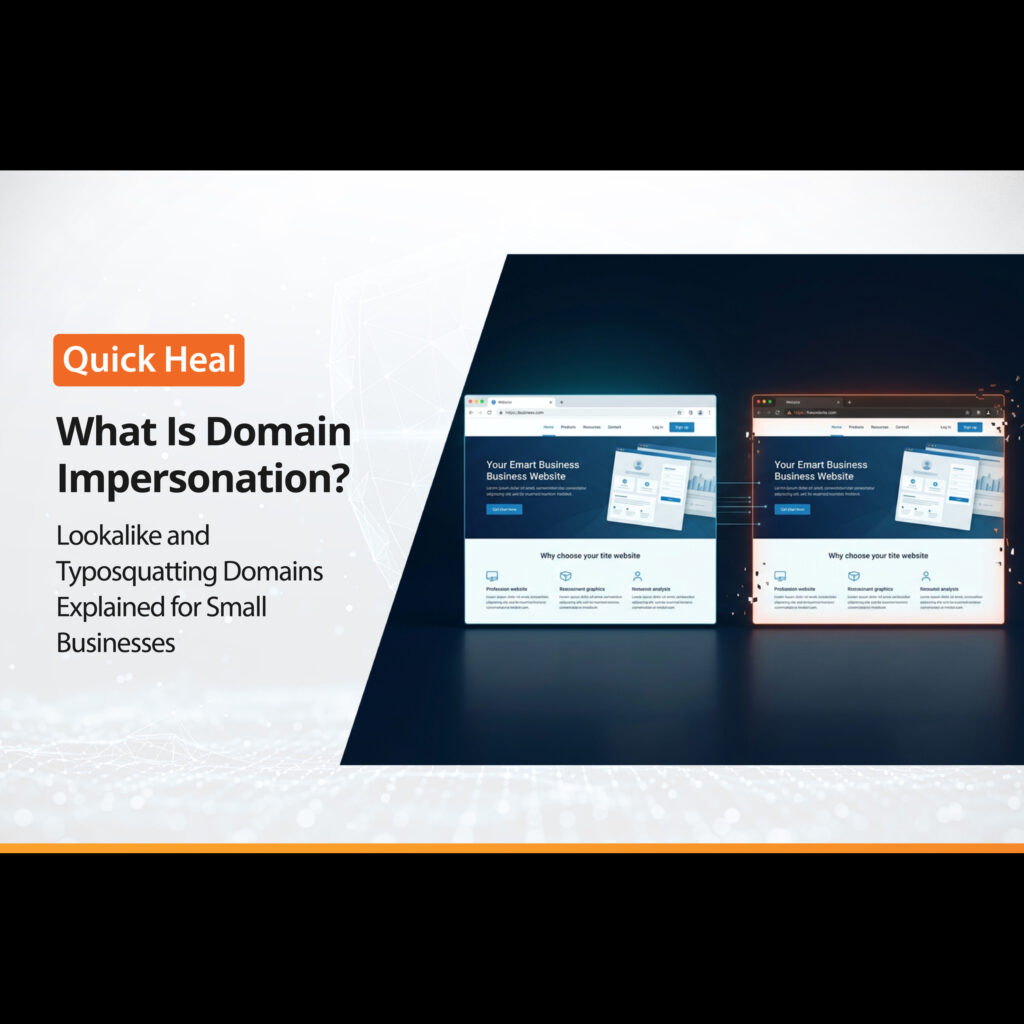
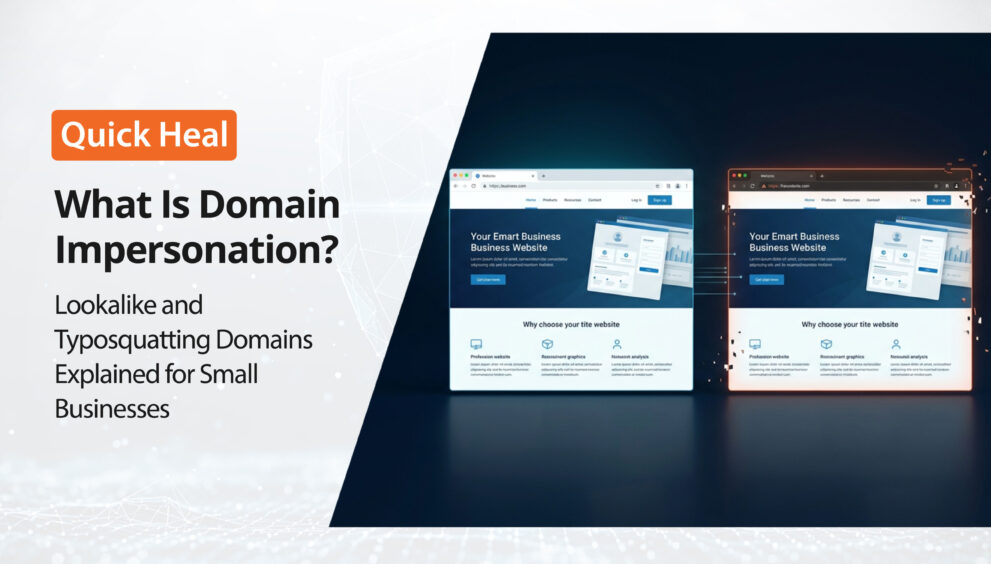
Domain impersonation happens when someone uses a domain name that resembles a legitimate business’s domain to mislead people or misuse the business’s identity.
For example, imagine your company operates through yourbrand.com. Someone registers a different domain, such as your-brnad.com, and creates a website that resembles yours.
A customer who does not notice the spelling difference may believe they are visiting your official website.
Depending on the attacker’s intentions, the fake domain may be used to:
- Create a website that copies your business branding.
- Send emails that appear to come from your company.
- Direct customers to fraudulent payment pages.
- Collect login credentials or other sensitive information.
- Send fake invoices or altered payment instructions to business partners.
- Damage your brand’s reputation by misleading customers.
For small businesses, this can be particularly concerning because customers often rely on familiar brand names, email addresses, and website links when deciding whether to trust a communication.
However, not every similar-looking domain is malicious. Some businesses may legitimately use related domain names or different domain extensions. The important thing is to investigate suspicious domains before assuming they are fraudulent.
What Are Lookalike Domains?
A lookalike domain is a website address that resembles another domain closely enough to cause confusion.
Scammers may change a few characters, add a word, insert a hyphen, or use a different domain extension to make a website appear connected to a genuine business.
For example, if your official website is yourbrand.com, a suspicious domain might use a variation such as yourbrand-support.com.
The additional word may make the website appear to be an official support portal, even when no such connection exists.
Lookalike domains can also use different extensions, such as .net or .co, instead of the extension customers usually associate with your business.
These small differences can be easy to miss, particularly when people open links on mobile devices or read messages quickly.
What Is Typosquatting?
Typosquatting is a type of domain impersonation that takes advantage of common typing mistakes and spelling errors.
An attacker registers a domain that contains a misspelling of a legitimate website’s name. When someone enters the wrong address, they may end up on the lookalike website instead.
For example, consider these illustrative domains:
- Official domain: yourbrand.com
- Typosquatting variation: yourbrnad.com — two letters have changed places.
- Another variation: yourbrandd.com — an extra letter has been added.
These examples demonstrate how a small spelling difference can change the destination of a website link.
Depending on how the domain is used, visitors may encounter misleading advertisements, fraudulent offers, phishing forms, or malicious downloads.
Typosquatting can also affect business communications. For instance, an employee may receive an email from an address that looks similar to a supplier’s genuine domain. If the message requests an urgent payment or a change in bank details, the employee might act before noticing the difference.
This is why checking the complete domain name is important, especially when a message involves payments, account access, or confidential information.
What Is a Homoglyph Domain?
A homoglyph domain uses characters that look identical or very similar to characters in a legitimate domain.
Unlike ordinary typosquatting, which often relies on spelling mistakes, homoglyph attacks take advantage of visual similarities between characters.
For example, the lowercase Latin letter o and the Cyrillic letter о look almost identical. However, they are different characters.
An attacker may use such lookalike characters to create a domain that appears genuine at first glance.
These domains can be difficult to identify because the difference may not be obvious when reading a URL quickly.
Homoglyph domains may be used in phishing campaigns, fake login pages, or fraudulent business websites. A customer who believes they are visiting your genuine website might enter personal information or account credentials on the wrong page.
To reduce this risk, avoid relying only on how a website address looks. Check the actual domain carefully and access important websites through saved bookmarks or links published on verified official channels.
How Can Domain Impersonation Affect Small Businesses?
A fake domain can create problems beyond a misleading website. It can affect the way customers and partners interact with your business.
1. Loss of Customer Trust
If customers visit a fake website and have a negative experience, they may associate that experience with your company. Even after the fake domain is identified, restoring confidence can take time.
2. Phishing and Data Theft
A fraudulent website may imitate a login page, contact form, or customer portal to collect sensitive information. Customers and employees may share details without realising that the website is not genuine.
3. Payment Fraud
Scammers may use lookalike domains to send fake invoices or impersonate vendors. They may ask customers or employees to transfer money to an unauthorised account.
4. Misuse of Your Business Identity
A fake website may copy your logo, product descriptions, or other brand assets. This can confuse customers and make it harder for them to identify your official online presence.
5. Disruption to Business Communications
If a customer or business partner receives a fraudulent email that appears to come from your company, they may question the authenticity of future communications. This can complicate sales, support, and supplier relationships.
How to Identify a Lookalike Domain of Your Company
You do not need to be a cybersecurity expert to begin checking for potential domain impersonation. A few practical checks can help you spot suspicious activity.
Check the spelling carefully. Compare the suspicious domain with your official website. Look for missing letters, extra characters, unusual hyphens, or letters that have been swapped.
Verify the domain extension. Check whether the website uses the extension associated with your official business domain. A different extension is not proof of fraud, but it may warrant further investigation.
Look beyond the website design. A convincing logo and familiar layout do not establish that a website belongs to your business. Scammers can copy publicly available branding and content.
Review unexpected emails. Check the sender’s complete email address rather than relying only on the display name. Be especially cautious about unexpected payment requests, password resets, or urgent requests for confidential information.
Verify suspicious links independently. If a message asks you to log in, make a payment, or download a document, visit your known official website instead of following the unexpected link.
Monitor your business domains. Keep a record of the website domains your company owns and uses. Periodically check for suspicious lookalikes that could confuse customers or employees.
Remember that a domain’s appearance alone cannot confirm whether it is malicious. Treat suspicious findings as something to investigate, rather than assuming that every similar address is being used for fraud.
What to Do If You Find a Fake Domain Impersonating Your Business
If you discover a website impersonating your business, it may already be misleading customers or collecting sensitive information. Taking prompt action can help limit the impact.
1. Collect Evidence
Save the suspicious website URL, screenshots of copied branding, and any related emails or messages. This evidence can support your report.
2. Report the Fake Domain
Report the website to its domain registrar or hosting provider. If the website copies your trademark or copyrighted content, consider filing an appropriate complaint.
For suspected phishing websites, you can also report them to Google Safe Browsing or Microsoft Security Intelligence.
3. Warn Your Customers
Use your official website, social media accounts, or email channels to clarify which domain is genuine. Alert affected customers and business partners if the fake website is sending fraudulent messages or payment requests.
4. Help Affected Customers Take Action
If someone has shared sensitive information or made a payment, advise them to contact their bank or payment provider immediately, change compromised passwords, and monitor their accounts. In India, cybercrime can be reported through the National Cyber Crime Reporting Portal. For financial cyber fraud, call 1930 promptly.
5. Follow Up and Monitor
Keep a record of submitted reports and follow up if the website remains active. Continue monitoring for other suspicious domains that may misuse your business identity.
Reporting a fake domain does not guarantee its immediate removal, so continue communicating with affected customers while the issue is being addressed.
How Quick Heal Spotr Helps Monitor Domain Impersonation
Keeping track of your business’s digital presence can become difficult as your company grows. You may have multiple websites, business email addresses, and online accounts to monitor.
Quick Heal Spotr for small businesses helps you monitor business website domains that you add to the platform and look for potential identity misuse.
Its Domain Impersonation feature monitors the business domains you provide, helping you keep an eye out for potential domain-related risks.
Spotr follows a simple process: add the domains you want to monitor, review scan progress and findings on your dashboard, and determine what action to take when a potential issue is identified.
If you find a suspicious domain, you can investigate the finding and consider the appropriate next steps. Spotr also provides removal-request guidance for fake website domains. Its Let Us Handle It feature uses credits to submit removal requests and manage follow-ups.
This can help small businesses organise their monitoring and response activities without relying entirely on manual checks.
Spotr’s monitoring is not a guarantee that every lookalike domain will be detected or removed. Businesses should continue following security best practices and investigate suspicious findings appropriately.
Conclusion
Domain impersonation can be difficult to spot because a fraudulent website may differ from a genuine business domain by only one or two characters.
Typosquatting exploits common spelling mistakes, while homoglyph domains use visually similar characters to make a fake address appear genuine. Both techniques can be used to mislead customers, imitate business communications, and undermine trust.
Small businesses can reduce their exposure by monitoring their domains, verifying suspicious links, securing domain accounts, and responding promptly when potential impersonation is identified.