28
Oct
Oct

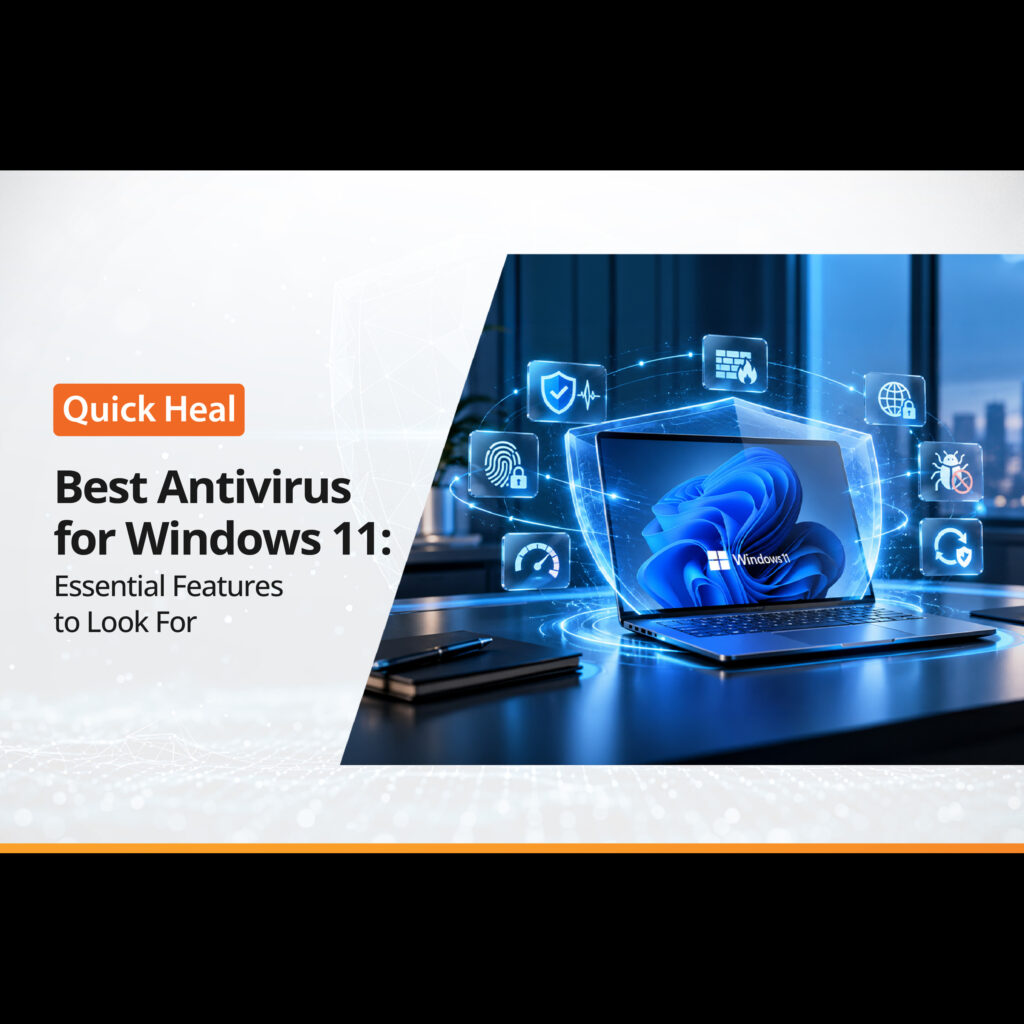
Best Antivirus for Windows 11: Essential Features to Look For
- QuickHeal / 8 seconds
- October 28, 2026
- 0

Table of Contents
- Why Does Windows 11 Need Antivirus Protection?
- Essential Features to Look for in the Best Antivirus for Windows 11
- Is Free Antivirus Enough for Windows 11?
- How to Choose the Best Antivirus for Windows 11 in India
- What to Do If You Suspect a Virus on Your Windows 11 Laptop
- Conclusion
Your Windows 11 laptop may seem to be working perfectly, whether you are finishing an office assignment, attending an online class, or browsing your favourite shopping sites. But a suspicious download or an unfamiliar website can raise questions about how well your device is protected.
What should you do?
Your first thought may be that your laptop has a virus. But online threats can take different forms, including malware, ransomware, and phishing attacks.
Windows 11 includes built-in security features to help protect your device. However, depending on how you use your computer, you may also want additional security tools.
So, how do you choose the best antivirus for Windows 11? Which features should you look for, and is free protection enough?
Let’s understand what matters when choosing antivirus software for your Windows 11 PC.
Why Does Windows 11 Need Antivirus Protection?
We use our computers for much more than work. From online banking and shopping to downloading applications and storing personal files, our digital activities are connected to our devices.
This also creates opportunities for cybercriminals.
Here are some common threats to know about:
- Viruses and malware: Malicious software can damage files, affect applications, or interfere with your computer.
- Ransomware: This type of malware can encrypt your files and demand payment to restore access.
- Phishing attacks: Fake emails, messages, and websites may trick you into sharing passwords or banking information.
- Malicious downloads: Files or applications from untrusted sources may contain harmful software.
- Unsafe websites: Some websites may attempt to steal personal information or expose your device to security risks.
Windows 11 comes with built-in security features that offer a basic layer of protection against common threats. However, built-in protection may not cover every security need, especially if you frequently browse the internet, download files, or make online payments. Choosing an antivirus with additional security features can help you address these needs based on how you use your laptop.
Essential Features to Look for in the Best Antivirus for Windows 11
Not every antivirus product offers the same features. Before choosing one, understand what each feature does and how it can help you.
1. Real-Time Virus and Malware Protection
Imagine downloading a document that looks harmless but contains malicious software.
Real-time protection helps detect suspicious files and activities as they occur. Depending on the software, it can scan files when you download, open, or save them.
When comparing antivirus for Windows 11, look for malware detection, automatic security updates, and real-time scanning.
These features can help identify threats before they cause further problems.
2. Ransomware Protection
Ransomware can turn an ordinary day into a stressful experience. You may suddenly find that important documents, photographs, or work files are no longer accessible.
Ransomware protection helps detect and block relevant threats. Some security products also offer additional safeguards for important files and folders.
If you regularly store valuable information on your laptop, check whether the antivirus includes dedicated ransomware protection and what safeguards it provides.
Remember to back up important files regularly. A backup can be useful if your data becomes inaccessible.
3. Web and Phishing Protection
Do you shop online, access banking websites, or click links received through email?
If yes, web protection is an important feature to consider.
While built-in security features can help identify certain online threats, they may not offer all the additional protection you need for everyday browsing. Some antivirus products provide extra layers of web and phishing protection to help identify suspicious websites, malicious links, and fraudulent pages before you share sensitive information.
Still, stay alert. Check website addresses carefully and avoid entering personal or financial details on unfamiliar pages.
4. Email and Download Scanning
Email attachments and downloaded files are common ways malware can reach your computer.
Choose antivirus software for Windows 11 that scans files for potential threats and offers email protection where required.
For example, if you frequently receive documents from unknown senders, scanning attachments can help identify suspicious files before you open them.
However, antivirus protection does not mean every attachment is safe. Avoid opening unexpected files, even when the message appears to come from someone you know.
5. Performance and Ease of Use
Your antivirus should protect your computer without making everyday tasks unnecessarily difficult.
Look for software with clear settings, scheduled scans, automatic updates, and easy-to-understand alerts.
Also, check the system requirements before installation. Your computer’s processor, available memory, storage, and existing applications can affect performance.
If you use your laptop for online classes, office work, video calls, or gaming, choose a solution that suits your system and usage.
6. Additional Security Features
Depending on your needs, you may want more than basic malware protection.
Some antivirus products offer features such as safe banking, parental controls, privacy tools, Wi-Fi scanning, and protection against online scams.
For example, families may find parental controls useful, while people who regularly access financial websites may prefer additional banking protection.
Do not choose a product only because it has a long list of features. Check which tools are included in the subscription and whether they match your needs.
Is Free Antivirus Enough for Windows 11?
This is one of the most common questions people ask when searching for the best antivirus for Windows 11 free.
Windows 11 already includes built-in security features, including Microsoft Defender Antivirus and Windows Firewall. These help protect your computer against malware and unauthorised network access.
For some users, the built-in protection may meet their everyday requirements, provided it is enabled and kept updated.
However, you may want additional features depending on how you use your PC. These could include dedicated safe-banking tools, extra privacy features, parental controls, or other protections offered by a paid security product.
Before deciding, compare the features available in your existing security setup with those included in a paid plan.
Also, remember that a free trial is not necessarily the same as a permanently free antivirus product.
How to Choose the Best Antivirus for Windows 11 in India
Once you know which security features you need, the next step is to compare your options. Before purchasing antivirus software, consider a few practical factors.
- System compatibility: Check whether the software supports your Windows 11 version and meets your laptop’s system requirements.
- Performance impact: Look for independent test results to understand how the software affects system speed and everyday tasks.
- Pricing and licence: Compare subscription costs, validity, renewal terms, and the number of devices covered.
- Additional features: Review which features are included in each plan and whether they match your requirements.
- Customer support: Check the support options available if you encounter installation issues or need technical assistance.
You can also compare products such as Quick Heal AntiVirus Pro and Quick Heal Total Security. Quick Heal lists features such as virus and malware protection, ransomware protection, and browsing protection across its Windows security offerings, with additional features depending on the product.
Review the current product details, licence terms, and supported system requirements before making a decision.
What to Do If You Suspect a Virus on Your Windows 11 Laptop
Has your laptop started behaving unusually? Frequent pop-ups, unfamiliar applications, unexpected browser redirects, or repeated security alerts may indicate a problem. While these signs do not always mean your device has a virus, they should not be ignored.
Here is what you can do if you notice something unusual:
- Run a security scan: Use your installed security software to scan your laptop for potential threats.
- Check unfamiliar applications: Review recently installed programs and investigate anything you do not recognise before removing it.
- Pay attention to repeated alerts: If warnings continue to appear, follow the security software’s recommended steps to investigate the issue.
- Protect your important accounts: If you suspect that your passwords or financial information may have been exposed, use a trusted device to change affected passwords and contact your bank if necessary.
- Seek technical assistance when needed: If the problem persists or you cannot remove the suspected threat, consult a qualified technical support professional.
Recognising unusual behaviour early can help you investigate potential security problems before they cause further disruption. The right antivirus solution can assist with detecting threats, but no security software can guarantee complete protection against every attack.
Conclusion
Choosing the best antivirus for Windows 11 is not just about finding the cheapest product or the one with the most features. It is about understanding your security needs and selecting a solution that fits your everyday activities.
Start with essential features such as real-time malware protection, ransomware defence, web security, and regular updates. Then compare additional features, system requirements, and subscription terms.
Whether you rely on Windows 11’s built-in protection or choose a third-party antivirus, make sure your security settings are enabled and your software stays updated.
A few careful choices today can help you protect your files, personal information, and everyday digital activities.