
27
Oct
Oct

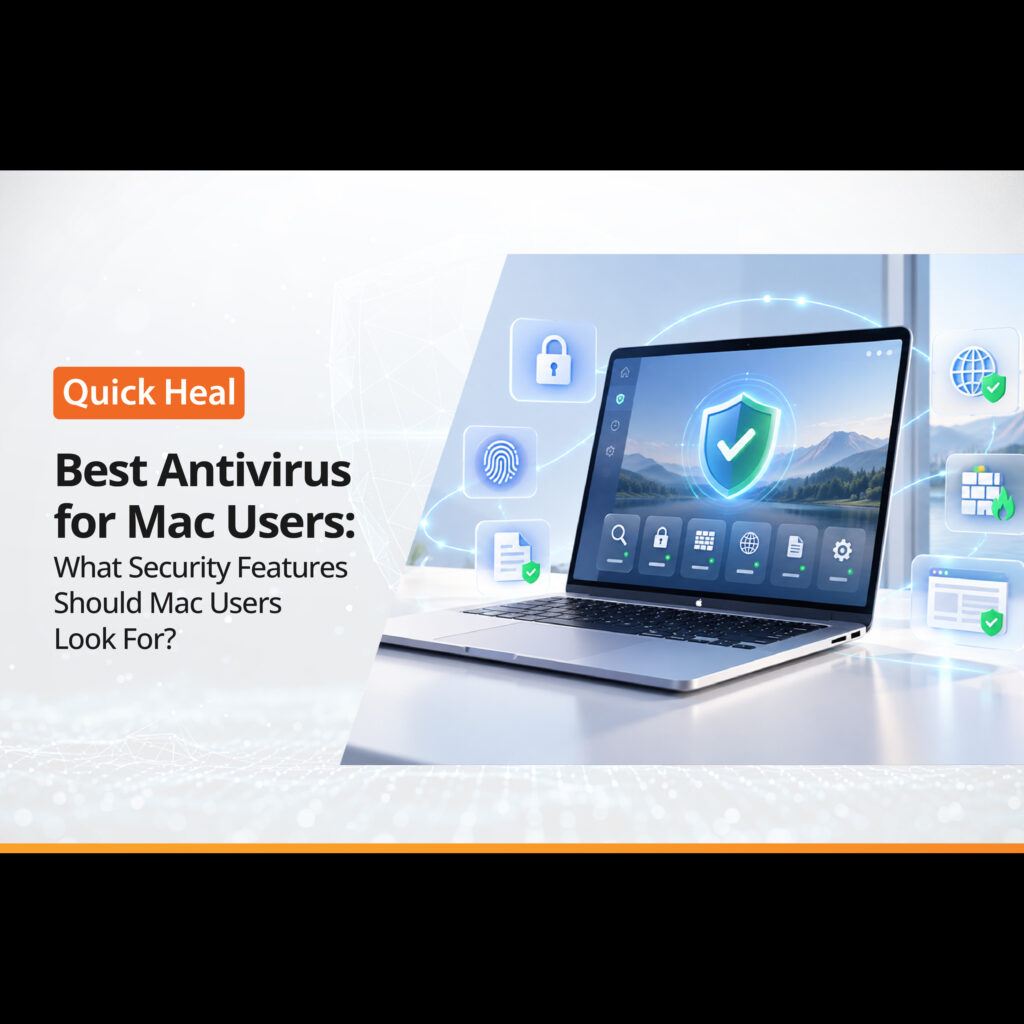
Best Antivirus for Mac Users: What Security Features Should Mac Users Look For?
- QuickHeal / 3 minutes
- October 27, 2026
- 0

Table of Contents
- Do Mac Users Need Antivirus Software?
- What are the common security threats Mac Users Should Know
- Features to Look for in the Best Antivirus for Mac Users
- How to Choose the Best Antivirus for MacBook Air and MacBook Pro
- Is Quick Heal a Suitable Option for Mac Users?
- Final Check Before You Buy
- FAQs
MacBooks have a reputation for strong security, but that does not make them immune to cyber threats. Fake software updates, phishing websites, malicious downloads, and scam emails can still put your files, passwords, and personal information at risk. If you use your Mac for work, online banking, shopping, or everyday browsing, it is worth reviewing whether its built-in protections meet your needs.
Choosing the best antivirus for Mac users starts with understanding how you use your device and which threats you are most likely to encounter. Some users may need basic malware scanning, while others may benefit from real-time protection, safer browsing, and email security.
We will cover the common threats Mac users should know about, the features to check before buying Mac antivirus software, and how to choose a solution for your device.
Do Mac Users Need Antivirus Software?
macOS includes built-in security features such as Gatekeeper, which checks downloaded apps, and XProtect, which helps detect and block known malware. These protections provide an important security baseline.
However, security risks also involve how people use their devices. A user can still be tricked into entering banking credentials on a fake website, downloading a malicious file, or sharing sensitive information with a fraudulent service. Social engineering attacks often exploit trust and urgency rather than a weakness in the operating system itself.
The best antivirus for Mac users should complement the protections already available in macOS. It should help identify suspicious files, flag dangerous websites, and add useful layers of protection for everyday online activity.
What are the Common Security Threats Mac Users Should Know
Before comparing products, understand the risks that virus protection software for Mac should help address.
1. Malware and Trojan Applications
Malware can arrive through untrusted downloads, fake installers, malicious email attachments, or compromised websites. A Trojan may appear to be a legitimate utility or document while carrying harmful code. Depending on the threat, it may attempt to access information, monitor activity, or disrupt the device.
2. Phishing Websites and Emails
Phishing attacks use emails, text messages and websites that imitate trusted organisations. A fake bank login page, delivery notification or subscription renewal message can prompt users to reveal passwords, payment details or one-time passwords.
The best antivirus for Mac users should include browsing and phishing protection that helps identify known malicious websites before users interact with them.
3. Fake Software Updates and Downloads
Fraudulent pop-ups may claim that a browser, media player, or security tool needs an urgent update. Clicking through can lead to unwanted software or malware. Downloading applications from unfamiliar websites increases this risk, particularly when a user ignores security warnings.
4. Malicious Email Attachments
An unexpected invoice, résumé, or business document may contain a harmful attachment or link. Email security can add another layer of defence by scanning email traffic and detecting known threats.
5. Data Exposure and Device Theft
A lost or stolen MacBook can expose personal or professional information if the device is not properly secured. Encryption, strong authentication, backups, and device-location features can help reduce the impact of theft or loss.
Features to Look for in the Best Antivirus for Mac Users
Use this checklist when comparing products. The right feature set depends on your browsing habits, the sensitivity of your files, and how much protection you need.
1. Real-Time Malware Protection
Look for protection that monitors files and activity for threats rather than relying entirely on manual scans. Real-time detection can help identify suspicious files as they are accessed or downloaded.
Check whether the software also supports scheduled and on-demand scans. These options let you review your Mac when needed, including after downloading files from unfamiliar sources.
2. Browsing and Anti-Phishing Protection
A good security solution should help block access to known malicious and fraudulent websites. This is especially useful when you regularly shop online, use digital payment services, or access work accounts through a browser.
When comparing the best antivirus for Mac users, check whether web protection works with your preferred browser and whether it can flag suspicious links before you open them.
3. Email Security
Email remains a common route for phishing attempts and malicious attachments. Check whether the product scans incoming and outgoing email traffic for malware and whether its protection works with the email services or applications you use.
This feature can be particularly useful for professionals who frequently exchange documents with clients, colleagues, and external contacts.
4. Automatic Security Updates
New threats emerge over time, so antivirus software needs updated threat information. Automatic updates help keep detection capabilities current without requiring you to remember to update them manually.
The best antivirus for Mac users should make updates straightforward and provide clear information about protection status.
5. Lightweight Performance
Security software should run without noticeably disrupting everyday work. Before choosing a product, review its macOS compatibility, system requirements, and resource usage.
If you use a MacBook Air for browsing, video calls, studying, or creative work, look for Mac antivirus software designed to deliver protection without unnecessary performance overhead.
6. Device Tracking and Remote Management
If you travel with your MacBook or regularly work outside your home, device tracking can be a useful extra. Check what the feature can do, whether it needs to be enabled in advance, and which macOS versions it supports.
Remote management may also help users manage security settings across multiple devices, depending on the product and plan.
7. Clear Controls and Useful Alerts
Security software should make it easy to review scan results, understand alerts, and adjust protection settings. Look for clear notifications that explain what was detected and what action you should take.
Avoid tools that use alarming pop-ups or claim your Mac is infected without credible evidence. Security warnings should help you make informed decisions, not pressure you into buying something.
How to Choose the Best Antivirus for MacBook Air and MacBook Pro
The best antivirus for MacBook Air users may not be the same solution chosen by someone who handles sensitive business data on a MacBook Pro. Start with your everyday usage and compare features accordingly.
Your needs | Features to prioritise |
Everyday browsing and downloads | Real-time malware and web protection |
Online shopping and banking | Anti-phishing and malicious website blocking |
Frequent email use | Email scanning and attachment protection |
Work with sensitive files | Malware detection, encryption and secure backups |
Travel with your MacBook | Device tracking and strong login security |
Multiple devices | Compatible licences and centralised management, where available |
When comparing a top-rated antivirus for Mac, do not rely on ratings alone. Review the supported macOS versions, included features, update policy, system impact, and renewal cost. Also check whether the advertised features are included in the plan you intend to purchase.
No antivirus can guarantee complete protection against every attack. Keeping macOS updated, downloading software from trusted sources, using strong passwords, and enabling multi-factor authentication remain important.
Is Quick Heal a Suitable Option for Mac Users?
Quick Heal Total Security for Mac is an option for users looking for dedicated virus protection software for Mac. Its listed features include virus protection, browsing and phishing protection, email security, automatic updates, and MacBook tracking.
The product is designed to help protect against malicious software, fraudulent websites, spam, and other online threats. These features can be useful for users who want additional security beyond the protections built into macOS.
Before choosing the antivirus for Mac users, review Quick Heal’s current product details to confirm compatibility with your Mac and macOS version, as well as the features included in the plan. You can explore Quick Heal Total Security for Mac to learn more.
Final Check Before You Buy
The best antivirus for Mac users is one that fits your device, online habits, and security requirements. Before purchasing, confirm that the software supports your Mac, provides real-time malware detection, includes browsing and phishing protection, and receives automatic updates. Email scanning, device tracking, and straightforward security controls can be valuable extras.
Most importantly, treat antivirus as one part of a wider security routine. Keep macOS updated, be cautious with unexpected links and attachments, use trusted download sources, and maintain regular backups. Combining these habits with suitable Mac antivirus software can help you protect your device and personal information more effectively.
FAQs
Is third-party antivirus necessary for a Mac?
Not always. macOS already includes strong baseline protection, but antivirus can add value if you download apps from outside the App Store, use your Mac for work or want extra protection against phishing and risky websites.
Are MacBooks vulnerable to online threats?
Yes. MacBooks can still encounter malware, Trojans, adware and phishing scams. Many incidents happen when users open suspicious attachments, click fraudulent links or install software from unknown sources.
What should you check before buying Mac antivirus?
Check for real-time malware detection, web and phishing protection, email security, automatic updates and minimal performance impact. Device tracking and multi-device management can be useful extras.
Can macOS security alone stop every threat?
No. Built-in tools such as XProtect and Gatekeeper help block known malware and unverified apps, but they may not fully protect against phishing, social engineering or newly emerging threats.
How to choose antivirus for a MacBook Air or Pro?
Choose based on usage, not the model. Frequent browsers need web protection, online shoppers and bankers need anti-phishing, and professionals handling sensitive files should look for malware detection, backups and access controls.
Will antivirus affect MacBook performance?
A good antivirus should run quietly without slowing everyday tasks such as browsing or video calls. Review system requirements, scan settings and user feedback before installing, particularly on a MacBook Air.